

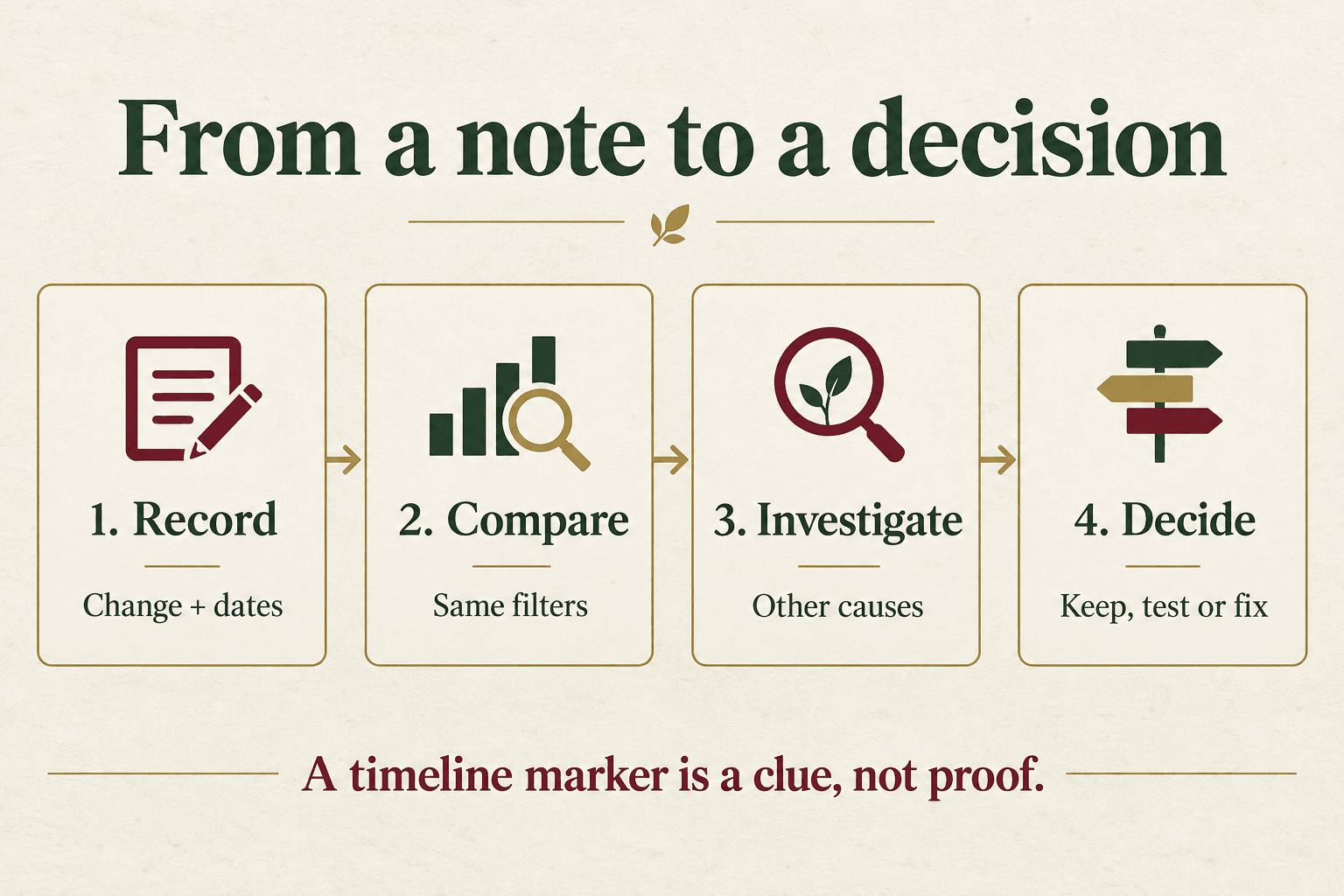
Shopify Analytics annotations let you place dated business notes beside report trends. Use them to record what changed, then compare the affected metrics before deciding whether to keep, test or fix the change. Shopify announced manual notes on 1 October 2026, adding a useful way to document campaigns and operational events. A note helps you investigate a result; it does not prove that a campaign caused it.
For an Indian store juggling paid ads, offers, product-page edits and delivery changes, that distinction matters. More orders after a promotion can coexist with lower contribution per order. A useful review connects the promotion to the purchase journey and costs, rather than crediting the nearest event on a chart.
What changed in Shopify Analytics annotations?
The 1 October announcement adds notes created by merchants and staff to supported time-series reports. You can enter a title, description, date or range and activity type, and manage the notes in the annotations panel. Staff use the Reports permission.
Annotations themselves are older: Shopify announced store-event markers in May and app-added context in July. The October change is manual input. An annotation does not rewrite the underlying sales or session data.
How do you add a useful manual note?
In Analytics → Reports, choose a report with time as its first dimension. Open Annotations, create a note, add its title, dates, category and optional description, then save. Enable annotation display if markers are hidden. Shopify’s current instructions specify a 75-character title and 150-character description.
Write the event before interpreting the outcome. “Shipping offer started” records an action. “Shipping offer increased conversion” embeds a conclusion that may not survive analysis. Keep a reference code in the note so the detailed evidence can live in your own restricted working document.
The following is a hypothetical Indian ecommerce example, not a client result or a live product test:
Title: India: shipping offer on orders above INR 1,499
Description: Campaign SHIP-01. India online store only. Review orders, shipping cost and cancellations. See team log.
Dates: Enter the actual start and end dates.
Category: Select the relevant shipping promotion activity.
Record the actual launch time and timezone in the team log, particularly when the ad account and store use different reporting timezones. Do not retrospectively select only the best-performing days. If the offer ends early, preserve that fact as part of the record.
What belongs in the note, and what belongs in a separate log?
Use the native note as an index to the event. Keep the evidence and decision separately. That gives the owner enough detail to challenge a conclusion without cramming a project history into a short description.
Copyable campaign review worksheet
- Event: reference code, exact change, affected products, market and channel.
- Timing: start, end, timezone and any rollback.
- Question: what business decision should this review support?
- Primary measure: the outcome you want to improve, with its definition.
- Checks: contribution after costs, cancellations, returns and customer complaints where relevant.
- Comparison: complete dates, identical filters and reasons the periods are comparable.
- Other changes: stock, pricing, traffic mix, creative, site or measurement changes.
- Decision: keep, test or fix; supporting evidence; owner; next review date.
Use the same campaign reference in the log and your approved naming system. Our UTM tracking guide explains how consistent labels help investigate visits from different placements. The annotation adds timing and business context; it cannot repair inconsistent campaign labels.
How should you evaluate a campaign after adding an annotation?
Start with the decision, not whichever chart looks most positive. For the shipping-offer example, the question could be: “Does this offer leave enough contribution after delivery and acquisition costs to continue?”
- Choose comparable windows. Compare complete periods of equal length and similar weekday mix. Record festival timing, payday effects or stock disruptions that make the periods different. Do not compare three launch days with a full prior month.
- Keep scope fixed. Compare the same market, products and channel definition. Shopify’s report controls support date comparisons and filters; keep a record of the settings used.
- Inspect the journey. More visits with flat purchases suggests a different question from flat visits with more purchases. Check availability, delivery promises and checkout friction before assuming the ads or creative failed.
- Check the economics. More orders do not automatically justify subsidised shipping. Include the relevant product costs, shipping subsidy, payment fees and acquisition cost in your own contribution calculation. Keep definitions consistent between periods.
- Write what remains uncertain. If the offer and a new landing page launched together, a before-and-after comparison cannot isolate their effects. Plan a suitable controlled test when feasible, or keep the result explicitly observational.
Hypothetical decision: the store sees more orders while the offer is running, but shipping expense grows and cancellations have not yet settled. The sensible next action is to review fulfilled orders and contribution after the cancellation window, not immediately expand the offer. No numerical uplift or guaranteed outcome is implied.
This is Digi Amenity’s practical approach to channel evaluation: connect the traffic source, product information, offer, checkout and fulfilment evidence. If a note marks a product-page change, our Shopify product-page optimization guide provides a separate checklist for the page itself.
Which limitations should your team account for?
Native annotations are excluded from report exports and multi-store reports, and require a compatible time-based freeform view. Shopify-generated notes have separate eligibility conditions. Apps with annotation access can read staff-entered note contents. Keep personal customer information and confidential commercial details out; consult the official limitations before designing a workflow.
For an Indian account, first check that the controls appear for the relevant staff member and report. The announcement does not establish access for every individual store or plan. If the controls are absent, use the same local change log while the owner checks permissions and availability with Shopify. An app purchase should follow a specific unmet need, not uncertainty about where a button is.
Frequently asked questions
Do Shopify report annotations tell me which campaign generated a sale?
A timeline note records an event, not an individual customer’s attribution path. Use campaign and order evidence for that question, with the same attribution definitions throughout the comparison. When channels overlap, record the uncertainty instead of assigning all growth to the latest campaign.
Should I record every small store edit?
Record changes that could affect a decision: a delivery threshold, product availability, major creative change or purchase-flow repair. Group routine minor edits when appropriate. A crowded timeline makes it harder to identify the few events worth investigating.
Can Shopify manual annotations replace my ecommerce change log?
Keep the detailed log. A short note is useful during chart review, while the log preserves the hypothesis, source evidence, cost definitions and decision owner. Together they help another team member reconstruct the reasoning later.
What if sales rise but conversion rate falls?
Investigate traffic volume and mix before changing the offer. A broader campaign may bring more visitors with different intent. Check purchases, relevant segments and contribution together; one rate cannot settle whether the campaign is worthwhile.
How long should I wait before reviewing a change?
Schedule a prompt check for broken purchase journeys, then a later business review after a meaningful complete period. The interval depends on order volume, purchase delay and returns or cancellations. Sparse data can require a longer observation window; a fixed seven-day rule does not suit every store.
What if several changes went live on the same day?
Give each material change its own reference and record the overlap. Separate affected products, audiences or markets where the data allow it. If the effects cannot be separated, document that limitation and design the next test around a clearer question.
Need help connecting store changes to business decisions?
If your Shopify reports move but the reasons remain unclear, Digi Amenity can review your campaign labels, store changes and purchase journey before you commit to the next promotion or redesign. Explore our Shopify and website development services to discuss the specific reporting or storefront problem.
Feature information checked on 3 October 2026. Examples and the worksheet are practical guidance, not reported client outcomes.
