
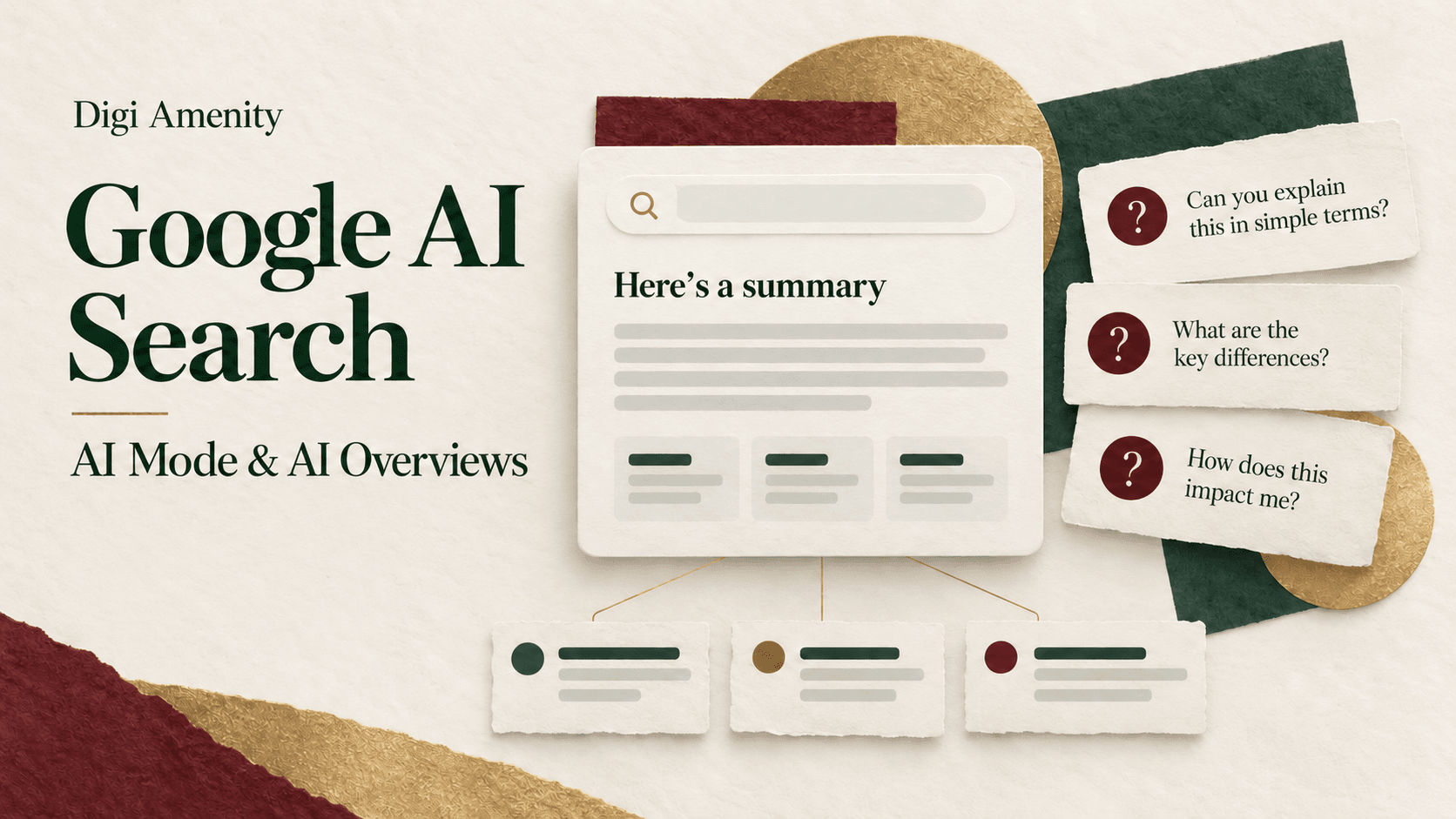
Google AI Mode and AI Overviews change how people explore search results, but they do not remove the need for useful, accessible websites. AI Overviews provide a generated summary within a search journey. AI Mode supports a more conversational exploration with follow-up questions and web links. For a business, the priority is to check eligibility, make important information clear and measure visibility separately from traffic and qualified outcomes.
There is no single percentage by which every website’s organic traffic will rise or fall. The effect depends on the question, result layout, audience and value of visiting the page. This guide focuses on practical decisions for Indian businesses, with sources checked on 7 October 2026.
How are AI Overviews and AI Mode different?
| Question | AI Overviews | AI Mode |
|---|---|---|
| What does the user encounter? | An AI-generated overview when Google determines it is useful in search results | A dedicated conversational search experience |
| How does the journey develop? | The user can read the overview and explore supporting links or other results | The user can ask follow-up questions and explore an answer in greater depth |
| What is the website opportunity? | A useful source can support the explanation and provide a next step | A source can help answer a more specific question or subtopic |
| What should a business avoid assuming? | That an overview appears on every query or that a citation guarantees traffic | That every account, query and feature behaves identically |
Google’s AI Mode help page describes breaking a question into subtopics and searching them concurrently. Its availability list includes India and languages including English and Hindi. Individual features and experiments can still vary, so check the relevant account and language before building a workflow around a particular interface.
AI Mode is also different from the Gemini app. “Uses Gemini technology” does not make every Google product the same discovery surface. Keep Search, the Gemini app and third-party AI assistants separate in your research and reports.
What is query fan-out, and why does it matter for content?
Google describes a process in which a broader question can lead to several related searches. Imagine a business owner asking which ecommerce platform suits a small Indian brand that needs UPI payments, a product catalogue and simple inventory management. That decision contains several separate questions about features, costs, implementation and operations.
Hypothetical content example: a useful platform comparison would identify the business constraints, explain the trade-offs, link to current payment and platform documentation, and provide a decision worksheet. It would not create twenty nearly identical pages by rearranging the words “best ecommerce platform.”
The practical implication is to complete a customer task with appropriate depth. Include important conditions and exceptions near the recommendation. A sentence saying “choose this platform” is less useful than an explanation of the circumstances under which it fits.
This does not establish a new requirement to predict every hidden subquery. Your content plan should remain understandable to a person. Start with the questions buyers need answered before they can act.
What changed for website owners in 2026?
Two changes deserve attention. Google introduced a new optimisation resource in May and then announced Search Console controls and visibility reporting in June. Its official announcement, updated on 31 August 2026, says the new controls and insights reached websites worldwide.
The reporting update matters because older articles often say AI visibility is only blended into overall Search data. The dedicated view now provides additional visibility information. It does not turn the entire AI-assisted customer journey into a directly attributable sales funnel.
The control update matters because publishers have a specific choice about participation in Search’s generative AI features. Do not make a business decision using an older guide that describes only general snippet controls.
What must a page satisfy to be eligible?
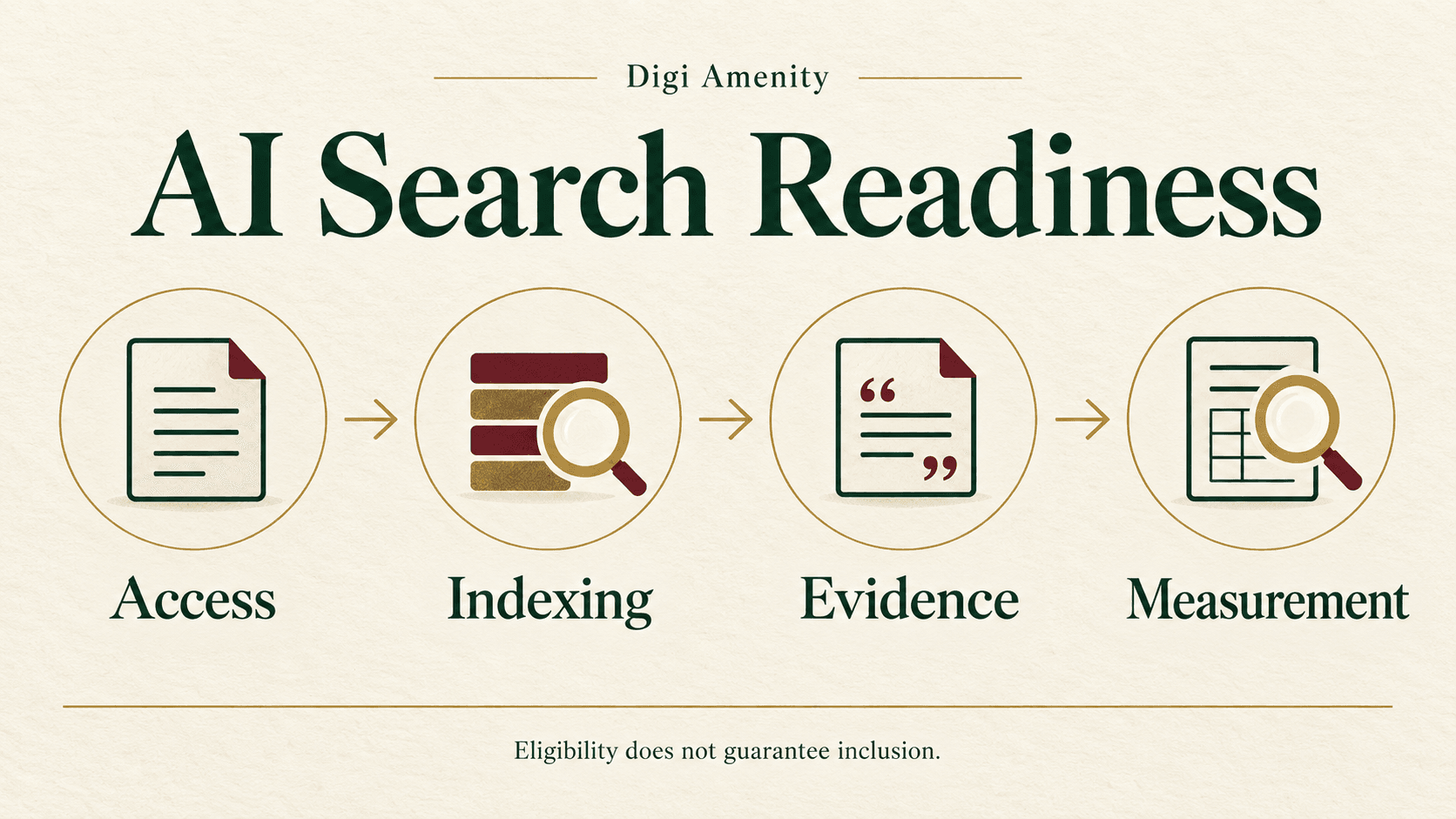
Google’s current optimisation guide says a page needs to be indexed, eligible for a search snippet and included through the Search generative AI control. It does not require special AI schema, tiny content chunks or an llms.txt file. Google says it ignores that file for Search visibility.
Turn those requirements into a page audit:
- Open the canonical page. Check that the important content is publicly accessible, loads correctly and is not behind an accidental login or error.
- Inspect indexing. Use authorised Search Console access to review the URL and selected canonical. “Not checked” is different from “not indexed.”
- Review crawl and preview instructions. Check relevant robots directives, noindex and snippet restrictions with the site’s developer.
- Check the effective Search AI setting. Include inherited settings in the review; a page-level content edit does not override a property-level exclusion.
- Read the rendered content. Make sure key specifications, explanations and links can be understood on mobile and are not available only inside decorative graphics.
- Check the next action. A relevant source still needs a usable product, service, booking or enquiry journey when someone visits.
Record evidence for each check and assign an owner to failures. Do not mark “AI ready” because a plugin reports a green score. The new website SEO checklist provides a broader foundation for access, indexing, navigation and measurement.
Can you opt out of AI search without removing the site from Google?
The Search generative AI control is under Search Console Settings. It supports inclusion, exclusion or inheritance from a parent property. Google says exclusion removes the site’s content and links from the covered AI features and is not a ranking or inclusion signal for other parts of Search. It is separate from AI training controls.
The business decision is a trade-off: assess the value of visibility and potential visits against your content strategy and publishing model. Do not switch settings merely to test a theory without a baseline, an authorised decision and a record of the affected property. Inheritance also means the visible choice on one property needs to be interpreted in context.
General robots and snippet directives have their own effects. Blocking Googlebot or adding noindex can affect broader search access; those actions should not be confused with choosing whether to participate in the covered AI features.
Will these features reduce your organic traffic?
They can change click behaviour, particularly where a summary completes the immediate task. But a sitewide traffic decline can also reflect ranking changes, seasonality, competitor offers, indexing faults, weaker demand or a different mix of queries. Identify the mechanism before choosing a fix.
Separate pages by the job they perform:
- Quick reference pages: a short fact or definition may satisfy the reader before a visit. Consider whether the page has a useful supporting role rather than measuring it only by direct leads.
- Decision pages: comparisons, suitability criteria and transparent limitations can help a reader evaluate a real choice.
- Implementation resources: checklists, worksheets, configuration examples and diagnostic tools can provide a reason to continue beyond a summary.
- Transaction pages: accurate availability, delivery, service scope and a functioning checkout or enquiry path remain necessary to complete the task.
These are planning hypotheses, not guaranteed traffic categories. Inspect the actual results and your own page data. Do not assume every AI-referred visitor will convert better, or that every informational article has lost its purpose.
How do you investigate a traffic change step by step?
1. Confirm that the decline is real
Compare complete periods and check whether tracking, consent settings or reporting definitions changed. Examine GSC clicks and analytics sessions separately. If only analytics sessions fell, a collection problem is one hypothesis to investigate.
2. Freeze the affected page cohort
Identify the specific URLs, countries, devices and search types involved. Keep brand and non-brand analysis consistent. New content can change site totals, so report established pages and new pages separately.
3. Check technical and demand explanations
Review indexing, canonical changes, migrations, server errors, changed products and seasonal demand. Look for a pattern: one template failing suggests a different problem from many informational queries showing changed result layouts.
4. Observe the actual search experience
Record the query, date, country, language, device and relevant features. Note whether your page appears as a conventional result, an AI source, both or neither in that observation. Repeat a stable sample rather than changing queries until you obtain a favourable screenshot.
5. Compare visibility with outcomes
Use the dedicated AI report as one piece of evidence and the ordinary performance report for broader search trends. Then examine the landing journey and qualified enquiries or orders. A change in visibility is not a sufficient explanation of a change in revenue.
6. Choose a page-specific response
Repair access problems before rewriting. Add missing decision evidence before increasing article length. Improve the offer or form if relevant visits arrive but fail to progress. Keep a change log so later analysis has a reliable timeline.
What can the current Search Console reports tell you?
The generative AI Search report measures impressions across the covered features. Page, country, device and date views help locate visibility. It is not a dedicated conversion report, and the documented dimensions do not provide a per-query AI click-through analysis.
In the standard performance definitions, an external click from AI Mode or an AI Overview counts as a click. Follow-up questions in AI Mode are treated as new queries. AI Overview links share the overview’s position, so “position one” should not be described as the first conventional blue link without examining the context.
Build a small monthly table with one row per priority page: customer task, overall clicks and impressions, available AI impressions, organic landing sessions, verified actions, qualified outcomes, content changes and next action. Keep the same comparison filters and record incomplete evidence.
What content changes are worth testing?
Improve the answer’s usefulness before its formatting. A merchant comparing two payment setups needs a clear statement of what is included, what costs extra and what must be tested. An owner troubleshooting lead quality needs a way to distinguish weak targeting from poor follow-up.
For each priority page, add one meaningful asset: a transparent comparison, a documented calculation, a checklist or a clearly labelled hypothetical example. Place the source next to the claim and distinguish verified facts from recommendations. Dates should indicate a real review, not cosmetic freshness.
Maintain consistency between visible product information, relevant structured data and business listings. If delivery coverage or a service limitation changes, update the affected customer information together. Do not publish a more attractive statement just because it might be easier to summarise.
Our guide to updating older SEO tactics explains why repetition and unsubstantiated promises are weak foundations for this work.
A 30-day AI search action plan
| Period | Work | Evidence to retain |
|---|---|---|
| Days 1–7 | Select priority pages; inspect indexing, access and effective AI inclusion setting | URL observations, ownership and unresolved issues |
| Days 8–14 | Map the customer decision and improve missing evidence | Before/after content, source checks and one practical asset |
| Days 15–21 | Check mobile reading, internal links, forms and order tracking | Page and event validation records |
| Days 22–30 | Review comparable data and a stable search sample | Keep/improve/expand/investigate decision with a next review date |
This is a work schedule, not a promise of inclusion within 30 days. Some outcomes will remain uncertain while data accumulates or changes are processed. Preserve that uncertainty instead of converting it into a success claim.
If important pages are losing relevant visits, Digi Amenity can review their technical eligibility, customer intent, source quality and conversion journey before recommending a rewrite. Discuss the affected pages through our SEO services.
Download the practical checklist
Download the Google AI Search Readiness Checklist (PDF). Use it to record evidence, assign an owner and set the next review date.
Frequently asked questions
Are Google AI Mode and AI Overviews available in India?
Google provides AI search experiences in India, and its AI Mode availability page lists India and supported languages. Check the current product help and account experience for a particular feature; an experiment or additional capability may have different conditions.
Is AI Mode the same as Gemini?
No. AI Mode is a Google Search experience, while the Gemini app is a separate product. Shared technology does not make their interfaces, controls or reporting identical. Record which surface you are evaluating.
Do I need a special GEO plugin to appear?
No plugin can guarantee inclusion. Check indexing, snippet eligibility, the effective Search AI inclusion setting and the usefulness of the page. Tools may help audit content, but a proprietary readiness score is not a Google approval.
Will adding FAQs make Google cite my page?
Useful FAQs can answer genuine follow-up questions, but they do not guarantee a citation. Avoid repetitive questions added solely for an SEO score. Keep answers accurate and specific to the reader’s decision.
Does a high conventional ranking guarantee an AI citation?
No. A result position and inclusion in a particular generated answer are different observations. The query, context and sources used can differ. Monitor both without promising that improvement in one forces improvement in the other.
Should I block AI search if clicks decline?
Diagnose the decline first. Review indexing, demand, rankings, result layouts and business outcomes, then evaluate the participation trade-off. A change to AI inclusion should be an informed publishing decision with an owner and a baseline.
How long should I wait before judging content changes?
Use complete comparison periods and allow for indexing, reporting and the customer’s sales cycle. A 30-day review can identify implementation issues and early signals, but it does not establish long-term impact or isolate causation.
