

Email deliverability improves when you check the sending setup, recipient expectations and message experience together. Before sending your next campaign, verify authentication on a real test email, confirm where the list came from, test unsubscribe handling and make sure the offer leads to a working page. A successful send does not prove that your message reached the inbox—or that the recipient wanted it.
For Indian businesses using newsletters, lead nurturing or repeat-purchase campaigns, this is a practical review sequence. It does not require guessing which subject-line word supposedly triggers every spam filter.
Where should an email deliverability check begin?
Start with the actual symptom. Is the platform reporting a rejection? Is the message accepted but found in spam? Or is it reaching people who do not click or enquire? These are different problems. Rewriting the offer will not repair failed authentication, while changing DNS will not make an irrelevant promotion useful.
Create a short incident record: sending tool, visible sender address, campaign, send time, affected mailbox provider and the exact error or observation. Use that record when contacting your provider. “Our email does not work” gives support little to investigate; an error response and a dated test message are much more useful.
What authentication should your sending domain have?
Google requires SPF or DKIM for senders to personal Gmail accounts, with SPF, DKIM and DMARC required for bulk senders. Its guidelines also cover TLS, DNS and message formatting. Treat this as a provider-specific starting point, not a complete checklist for every mailbox service. Review the current Gmail sender requirements with your email provider.
Ask the technical owner to verify each system that sends on your behalf: the newsletter platform, business mailbox, website form, CRM and order-notification system. Approval in one tool does not demonstrate that another tool is configured correctly.
Use a sent message as evidence. Record the sending service, visible From domain and the authentication results found in its headers. Keep screenshots or a short verification note in your internal handover. Avoid copying DNS records from a different business: the correct values depend on your domain and provider.
If a new platform is being introduced, keep the old sender inventory until the new setup has been tested. A domain migration is a change to the whole communication workflow, not merely a design refresh for the newsletter.
Which contacts should receive the campaign?
For each segment, answer three questions: how did the person join, what did they expect to receive, and does this campaign match that expectation? Keep signup source and relevant permission records in your customer system. Do not treat every address collected by sales, support or checkout as interchangeable newsletter inventory.
Hypothetical example: an Indian home-decor shop has customers who requested order updates and a separate group who subscribed to styling tips. Sending the same weekly promotional series to both groups ignores the reason each address was collected. The useful first step is to review the audience definition, not to send a larger batch.
Apply suppression rules consistently across your tools. A contact removed from the newsletter should not reappear simply because an old spreadsheet was imported again. Assign one owner to check how unsubscribes, invalid addresses and complaints flow between systems.
When the origin of an old list cannot be explained, pause its use while you investigate. A fresh design does not resolve uncertainty about why those people are receiving the message.
Is a footer unsubscribe link enough?
A visible opt-out link and technical one-click unsubscribe are separate checks. Google’s bulk-sender rules require both for marketing and subscribed messages. Its sender FAQ explains the one-click implementation and scope.
Use a test contact to complete the real unsubscribe journey. Check which list it removes the contact from, whether the change appears in the sending tool and whether a later import respects that status. If several tools send promotions, document how they share suppression information.
Do not judge this solely by the presence of an “unsubscribe” word in the design. The process needs to work. Ask the provider to verify the email headers for technical one-click support instead of trying to reproduce it with an ordinary website button.
What should you inspect in the actual email?
Send the finished message to test inboxes and read it on a phone. Check the sender identity, subject, preview text, visible offer and destination page. Look at what happens when images are not displayed: the central message and next step should still be understandable.
Use a subject that describes the content accurately. Avoid promising a quotation, account update or personal reply when the email is a general promotion. The reader should understand why the message reached them and what will happen after clicking.
For a quote request, the page should explain what information is needed and who will respond. For a product offer, check the product, availability and offer details before sending. Email quality and the landing-page journey belong in the same review.
Label campaign links consistently so you can review website activity later. Our UTM tracking templates provide a manual email example and explain how to avoid duplicate parameters. Tracking labels identify a campaign; they do not establish inbox placement.
How can you separate delivery problems from conversion problems?
Use the following checklist as a triage tool. It is a proposed working process, not a guarantee that one symptom always has one cause.
Swipe sideways on a small screen to read all columns.
| Observation | First evidence to collect | Likely owner |
|---|---|---|
| Provider reports rejection | Exact response code, sender and send time | Email provider and technical owner |
| Test message arrives in spam | Headers, sending history and recipient context | Email operations owner |
| People unsubscribe or complain | Signup source, expected content and actual campaign | Audience and content owner |
| Clicks arrive but enquiries do not | Mobile landing page, form test and offer clarity | Website and marketing owner |
| Relevant enquiries receive no reply | Assignment and response records | Sales or customer-service owner |
Google’s Postmaster Tools dashboards provide information about authentication, reputation and delivery errors where data is available. Use those signals alongside your provider’s logs. Missing dashboard data should not be treated as proof that everything is healthy.
At Digi Amenity, the useful question is where the customer journey breaks: sending, reading, clicking, enquiring or receiving a response. That connects email marketing with website UX and sales follow-up instead of judging the channel by a single headline metric. The marketing funnel guide explains that wider review.
What should be approved before the next send?
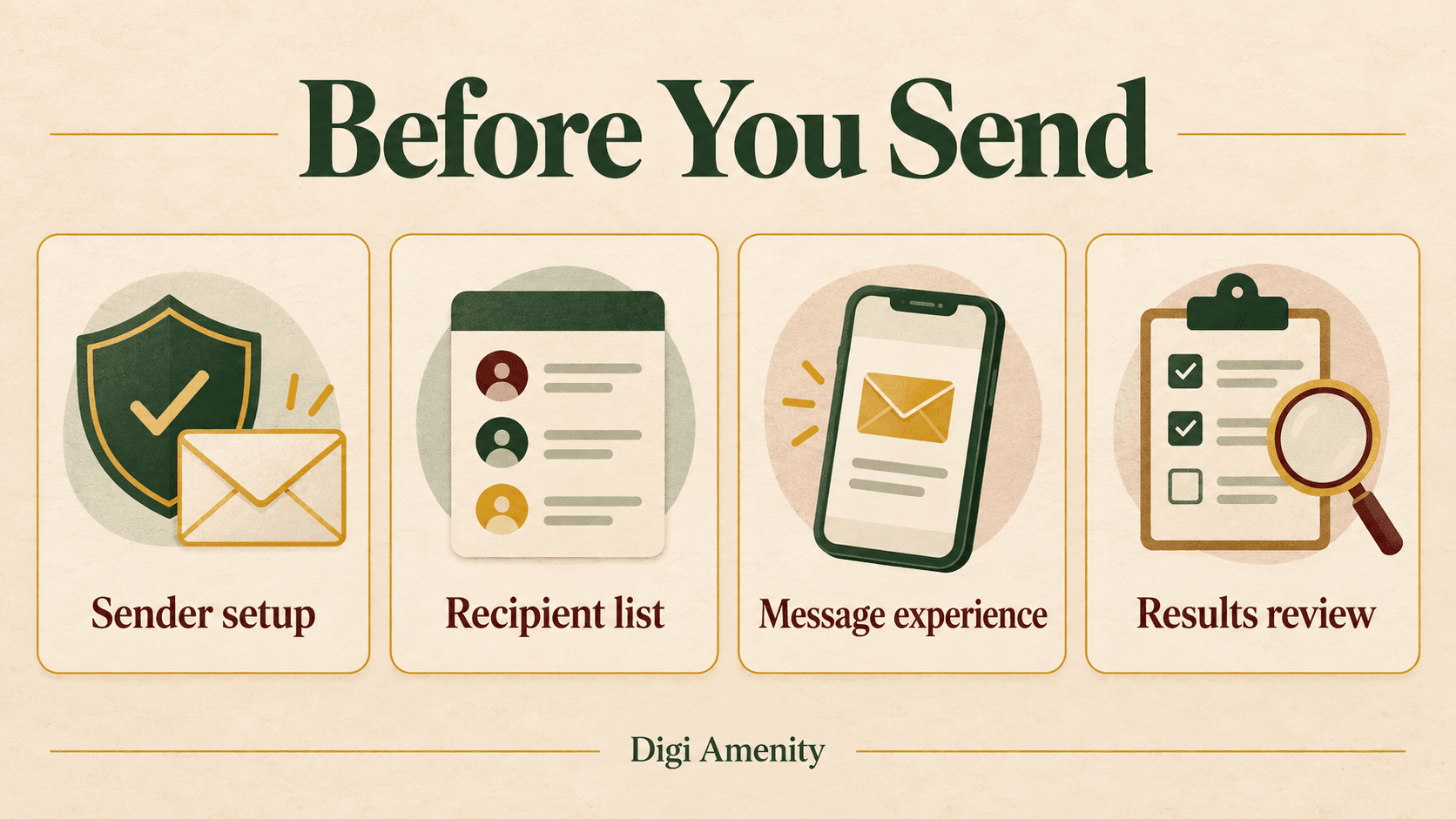
Keep a compact approval note with a named owner for each check: sender verified, audience explained, suppression tested, mobile email reviewed, landing page tested and response ownership agreed. Add the test date so the note describes the current setup rather than last quarter’s configuration.
When something fails, write down the correction and rerun the relevant check. Avoid changing the domain, audience and creative simultaneously without a record: you will struggle to learn which change addressed the issue.
If your campaigns are being sent but useful enquiries remain inconsistent, Digi Amenity can review the audience, message, measurement and landing-page journey as part of its email marketing services, and identify which technical checks need your sending provider’s input.
Frequently asked questions
What is email deliverability?
It concerns whether messages reach recipients successfully, including the inbox-placement experience. A platform recording a send or acceptance is not enough to establish that the recipient saw it in the inbox. Review the available delivery evidence separately from campaign results.
Will authentication guarantee inbox placement?
No. Authentication is an important technical check, but recipient expectations, message quality and sending behaviour also matter. Treat a pass as one completed check, not permission to send any content to any list.
Do small businesses need to check Gmail sender requirements?
Yes, when sending to personal Gmail accounts. Requirements apply beyond large brands, while bulk senders face additional conditions. Check the current guidance and ask your provider which requirements apply to your actual sending setup.
Should I copy SPF, DKIM and DMARC records from a tutorial?
Use your own provider’s instructions and generated values. A tutorial can explain the concepts, but its example records may not authorise your systems. Have the technical owner inventory your senders before making changes.
Can changing email platforms solve every spam problem?
No. A new platform does not explain an old list’s origin or improve an irrelevant offer. Diagnose the sending configuration, recipient expectations and message journey before assuming the platform is the only cause.
How should we test unsubscribe handling?
Use a controlled test contact, complete the opt-out and confirm the suppression is recorded. Check subsequent imports and connected tools. Ask the provider separately to verify technical one-click support where required.
What should we measure after a campaign?
Review delivery errors, audience feedback, recorded website activity and meaningful business outcomes separately. Add context about the offer, segment and follow-up. A low enquiry total can reflect a page or sales-process problem even when delivery is working.
