
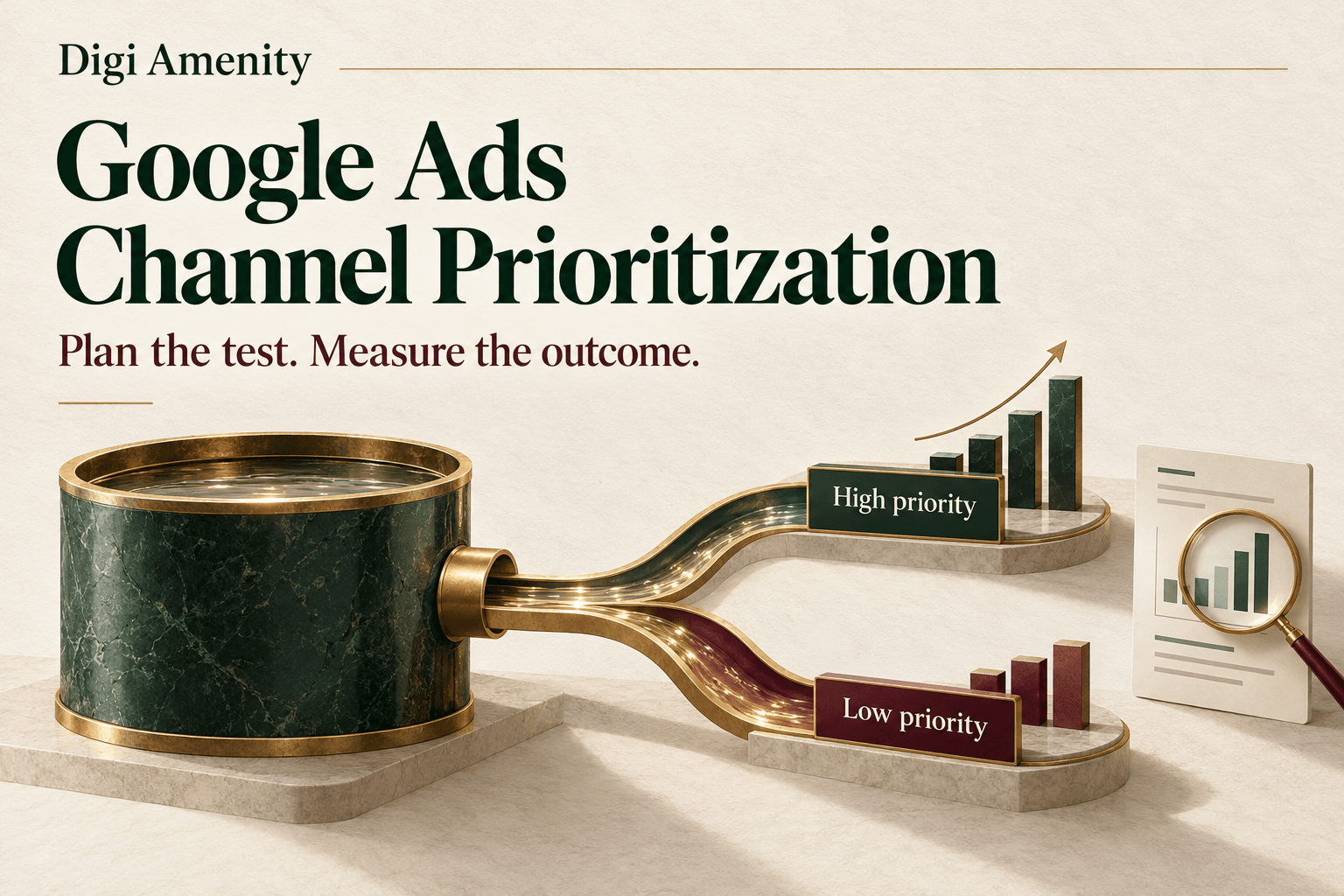
Google Ads channel prioritization lets you express which eligible channels should receive funding first. Budget allocation adds an optional spending boundary for lower-priority inventory. Use these controls to answer a specific business question about lead quality or sales, then check actual spend and outcomes. An allocation is not a guaranteed spending cap.
Google announced the controls on 14 October 2026, with a global rollout over the following months. That announcement does not establish that a particular Indian account has access today. This guide was checked on 17 October 2026 and separates platform rules from Digi Amenity’s recommended review process. Read Google’s announcement.
What does Google Ads channel prioritization change?
Channels can be assigned High or Low priority. Higher-priority inventory receives funding first, subject to performance targets such as Target CPA or Target ROAS; remaining budget can reach lower-priority inventory. For target-based campaigns without a budget constraint, priority alone generally has little effect. An allocation on a Low-priority channel can still matter.
In Performance Max and Demand Gen, Google-owned surfaces are grouped as “Google channels”. This setting does not separate Search from YouTube within that group. The practical decision is therefore about the available groups, not every placement you might want to control. Source: Google Ads announcement.
Digi Amenity’s view: a budget-routing control is useful only when you know what a valuable result looks like. Moving money away from a channel with expensive leads could be sensible—or could remove the channel producing your most valuable customers. Start with the outcome definition.
Which campaigns and accounts can use the controls?
| Campaign | Available groups | Allocation |
|---|---|---|
| Search | Google Search, search partners, Display Network | Supported |
| Shopping | Google Search, search partners | Supported |
| Performance Max | Google channels, search partners, Display Network | Supported |
| Demand Gen | Google channels, Display Network | Not supported |
Google’s help page dates progressive availability from 15 October 2026. Account and campaign eligibility vary. API and Ads Editor support are listed as forthcoming. Shared-budget settings cover the whole pool and require matching campaign types. Total-budget and experiment configurations have additional restrictions. Check Google’s current eligibility and limitations before implementation.
How should you interpret the allocation percentage?
The percentage uses the campaign’s average daily budget, not actual spend. It operates on a best-effort basis, resets daily and does not carry unused or excess amounts forward. Source: budget allocation definition.
Hypothetical arithmetic, not a recommended setting: an average daily budget of ₹3,000 with a 10% allocation implies a ₹300 daily reference amount for the selected channel. If the campaign actually spends ₹1,500 and that channel spends ₹300, its observed share is 20% of actual spend. The two percentages use different denominators. Neither calculation shows whether the traffic was valuable.
Keep three separate fields in your reporting: configured percentage, reference amount and actual channel spend. If actual spend differs from your plan, investigate it rather than assuming the setting is broken or the report is wrong. If the business cannot tolerate spending beyond a precise amount, do not use a best-effort allocation as its sole financial safeguard.
What should you audit before changing the settings?
First, write down the decision you want the data to support. “Improve performance” is too broad. “Assess whether this network generates sales-qualified enquiries at an acceptable acquisition cost” identifies an outcome, a population and an economic constraint.
For a lead-generation business, agree with sales on what counts as qualified: service fit, serviceable location, genuine need and a contactable prospect, for example. Record why enquiries are rejected. A contact-form submission, a WhatsApp button click and an accepted sales opportunity should not be treated as interchangeable events.
For ecommerce, reconcile reported purchases with paid orders, cancellations and returns. Review product margin, delivery costs and discounting before treating revenue ROAS as profit. A high order count may be unattractive when a promotion consumes the contribution available to pay for advertising.
Then review the path from ad to outcome. Does the landing page promise the same service as the ad? Does the form work on mobile? Are salespeople responding consistently? Could stock availability or pricing explain a weak result? Our Google Ads Data Strength audit guide helps frame the measurement review; the AI Max reporting guide addresses the query, ad and landing-page journey.
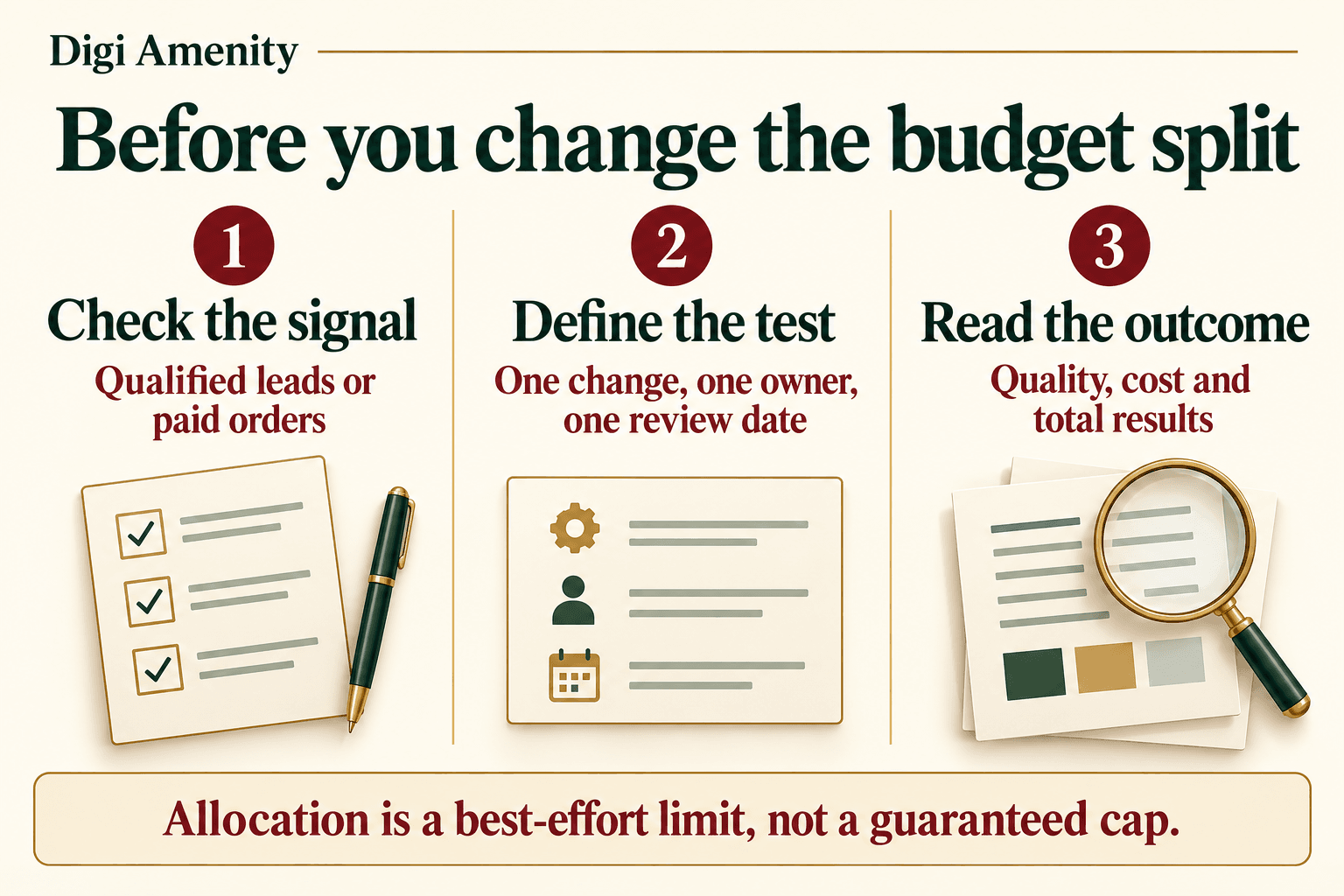
How do you build a channel test that produces a useful decision?
Use this decision card before anyone changes the account. It is Digi Amenity’s planning framework, not a Google-prescribed allocation strategy. Copy it into your campaign notes and replace each prompt with a specific answer.
| Decision-card field | What to record |
|---|---|
| Business question | Which uncertainty will this test resolve, and why does it matter now? |
| Scope | Account, campaign IDs, budget pool, locations, offer and proposed channel setting. |
| Evidence before the change | Actual spend, mature qualified outcomes, exclusions and the source of each number. |
| Primary success measure | Cost per qualified lead, or paid-order contribution after advertising, with an agreed definition. |
| Business safeguards | Acceptable total cost, minimum useful outcome volume and operational stop conditions. |
| Comparable conditions | Record concurrent offer, creative, tracking, stock, location and follow-up changes. |
| Owner and timing | Who checks spend, who validates outcomes, and when mature results will be reviewed. |
| Decision | Keep, investigate, extend the test or revise the setting, with evidence and a next review date. |
Choose one material change where practical. If you revise bidding, creative, targeting, landing pages and channel preferences together, the result cannot isolate the effect of channel prioritization. Google’s experiment guidance also starts with a clear hypothesis tied to a business goal.
A simple before-and-after comparison is useful operational evidence, but it does not prove causation. Seasonality, auction competition and a changed sales team can move results. If you need a causal answer, assess an appropriate supported experiment design and its eligibility before promising a clean test.
What would this look like for an Indian business?
A Mumbai service business comparing enquiry quality
Hypothetical example: during a completed review period, one traffic group costs ₹24,000 and produces 40 enquiries, of which 12 meet the agreed qualification criteria. Another costs ₹8,000 and produces 32 enquiries, of which only two qualify.
The first group has a raw cost per enquiry of ₹600 and a cost per qualified lead of ₹2,000. The second looks cheaper at ₹250 per enquiry, but its qualified-lead cost is ₹4,000. A decision based only on form submissions would favour the second group. A qualification-based review asks why the enquiries fail and whether a revised allocation is worth testing.
Do not conclude that one network is universally poor from this example. Check attribution, duplicate enquiries, service area, sample size and follow-up. Two qualified leads are a fragile basis for prediction. If the second group contains unanswered calls rather than unsuitable prospects, the immediate action may belong with operations.
An ecommerce store looking beyond revenue ROAS
Hypothetical example: a campaign spends ₹10,000 and is associated with ₹50,000 in paid-order revenue. That is 5× revenue divided by advertising spend. Suppose product, fulfilment, payment, return and discount costs leave ₹12,000 before advertising. Only ₹2,000 remains after ad spend, before other overheads.
This is a simplified contribution calculation, not a forecast or client result. The lesson is to agree on the business’s accounting treatment and use the same cohort throughout. If channel reporting cannot be reliably joined to order outcomes, label the gap instead of manufacturing a channel-profit number.
How do you apply the setting once the test is approved?
In the client account, open the campaign’s Settings, expand Channel Prioritization, choose campaign-level settings, assign tiers and enter any supported Low-priority allocation, then save. Account defaults sit in Account settings. Campaign/shared-budget overrides can supersede them. Follow Google’s setup instructions.
Before saving, confirm that the campaign IDs and budget scope match the decision card. Capture the prior configuration and the planned change. After saving, reopen the settings and verify the values. Record who made the change and when. A saved setting and a successful business test are separate milestones.
If the card is absent, record that the feature is unavailable in that account. Do not rebuild a functioning campaign merely to chase a new control, and do not infer India-wide availability from another advertiser’s screenshot.
How should you evaluate the result?
Compare equal-length periods using identical conversion definitions, geography, attribution settings and reporting scope. Include the total campaign outcome alongside each network view: an apparently improved efficiency ratio can conceal a material loss of valuable volume.
Allow time for conversions and sales qualification to mature. Google explains that recent performance can appear worse while later conversions remain unreported. Use your observed conversion delay rather than a universal number of days. See Google’s conversion-delay guidance.
- Keep: the change supports the business objective and the evidence is sufficiently mature.
- Investigate: spend moves, but the outcome signal is inconsistent or a tracking/follow-up issue appears.
- Extend: the sample remains too small and the pre-agreed exposure is still acceptable.
- Revise: the business safeguard is breached or the results justify a different approach.
These are decision categories, not automatic rules. Predefine the evidence needed for each. Where reporting cannot separate the exact group you are controlling, keep the limitation visible and use the closest valid aggregate without relabelling it as channel-level proof.
Who needs to review settings before February 2027?
Google says Search campaigns with Display Expansion will transition to the new model from February 2027. To retain the current configuration, its documented option is Display Network at Low priority with a 50% daily allocation. This is a migration setting, not evidence that 50% is the ideal budget choice for your business. Source: Display Expansion transition.
Build a list of affected campaigns, their owners and current settings. Review the business case before the transition, and revisit the official documentation close to implementation. Search-only campaigns and standalone Display campaigns should not be casually grouped into the same migration list.
Frequently asked questions
Should every small business change its channel settings now?
No. Start with a documented problem or learning objective. A campaign meeting its commercial goals may not need a new restriction. Review the affected migration settings where relevant, but avoid changing a healthy account simply because a feature is new.
What percentage should I choose for a first test?
There is no universal percentage in this guide. Work backwards from the business’s tolerable exposure, the amount of evidence needed and who will monitor it. If a small allocation cannot produce enough useful outcomes, reconsider the question or the test design.
Will lower-priority traffic automatically produce better leads?
A priority label does not qualify a prospect. Examine search intent, the offer, form design, location fit and sales follow-up. Judge a setting by verified commercial outcomes rather than assuming that a different traffic mix fixes every weakness.
Can I use a WhatsApp click as my primary success measure?
It can describe an interaction, but it does not establish that a conversation, qualified enquiry or sale happened. Define those stages separately and reconcile them where your consent, tracking and operational process allow. Keep unmatched outcomes visibly unassigned.
How long should I wait before declaring a winner?
Use the sales cycle, conversion delay and outcome volume to set the review window. A few days of cheap clicks are not enough to judge a long-consideration service. Decide in advance what “inconclusive” means so that a weak sample is not forced into a success story.
What if raw CPL improves but qualified CPL gets worse?
Check the qualification process and follow-up consistency first. If both are comparable, the cheaper enquiries may be less commercially useful. Review rejection reasons and total qualified volume before allocating more money to the apparent raw-CPL winner.
What should I ask an agency to show after making a change?
Ask for the original hypothesis, saved settings, change date, spend and outcome definitions, comparable-period results and a written decision. The explanation should include limitations and concurrent changes, not just a dashboard screenshot with a favourable percentage.
Need help deciding whether a channel change is justified?
If your Google Ads reports show cheaper conversions but sales quality is unclear, Digi Amenity can review the conversion definitions, network performance, landing-page journey and follow-up process before recommending an allocation test. Explore our Google Ads management and audit support.