

If your payment gateway appears to be sending paying customers to your store, check whether those customers were already checking out before they visited the gateway. GA4 unwanted referrals let you tell Analytics to ignore a matching referring domain when it determines traffic source. First trace one order from arrival to payment confirmation. A missing purchase event and a purchase credited to the wrong source need different fixes.
Why does a payment provider show up in Traffic acquisition?
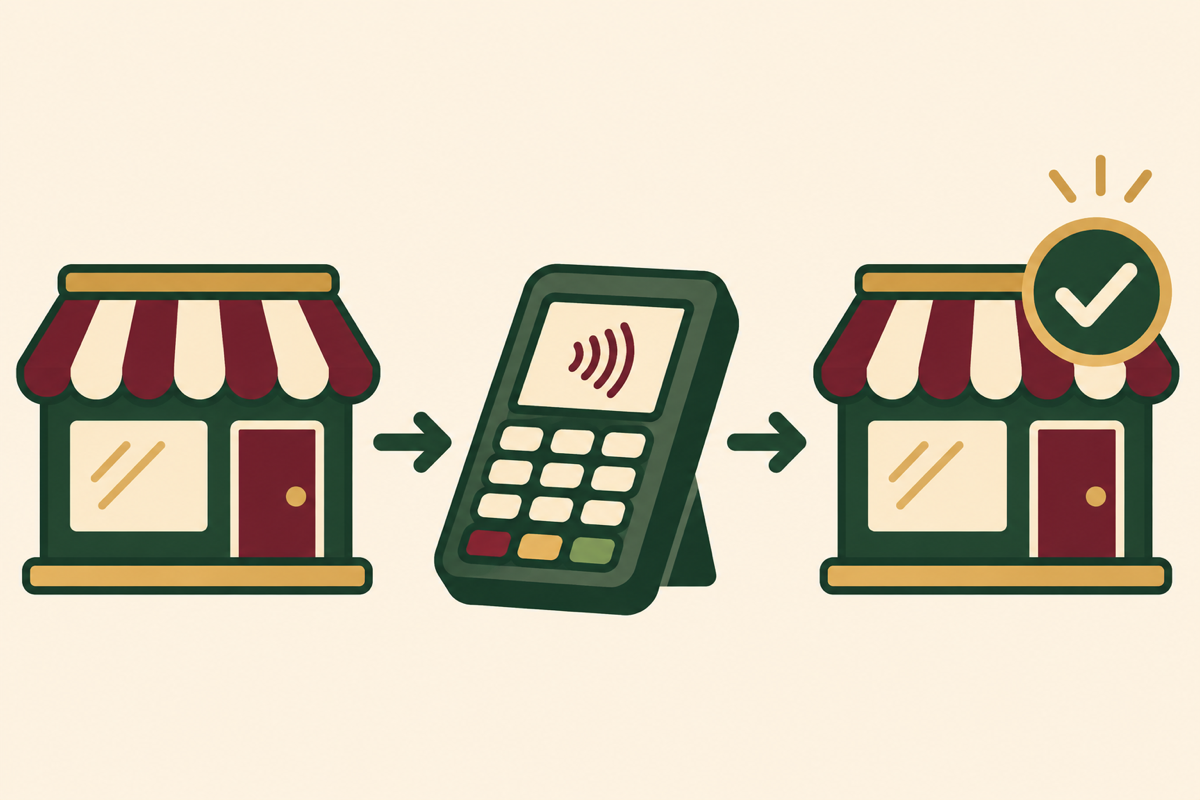
A shopper might find a sari through an email, leave your website to pay, then return from a payment provider to your confirmation page. The return can carry the provider’s domain as the page referrer. Depending on the session and implementation, that domain may appear in acquisition reporting. A gateway name in one report alone tells you little about which payment method, browser or return path caused it.
How can you tell whether an exclusion is appropriate?
Open Traffic acquisition and examine Session source / medium. Record the exact referring host, date range and purchase activity. Check the return URL on your own site and ask whoever maintains checkout whether the payment happens in the same browser, a separate tab or an app. A provider’s editorial site or marketplace could genuinely send you customers. A broad rule could hide that distinction.
Hypothetical example. A store launches an email tagged with utm_source=customer_list and utm_medium=email. A shopper pays ₹2,400 on a hosted page and returns with order ID TEST-104. If the order exists in GA4 but gateway referrals keep appearing, investigate attribution. If TEST-104 is absent even though the order system confirms payment, inspect the purchase trigger. If it fires twice after a refresh, investigate duplicate events separately.
How do you configure GA4 unwanted referrals?
- With Editor access or above, open Admin, then Data streams. Select the web stream used by the store.
- Under Configure tag settings, open Show all and select List unwanted referrals. Review existing conditions before adding another.
- Add the narrowest condition that matches the payment-return host you observed. Multiple conditions are evaluated as alternatives. Record the condition and the time you saved it.
- Test a fresh journey using the same checkout path. For matching events, Analytics sets
ignore_referrerto true. The underlying browser referrer may still be visible during debugging.
Google explains both the matching rules and why earlier attribution can still appear when users return. Use the change timestamp when interpreting reports. Google’s unwanted referral documentation.
When does checkout need cross-domain measurement?
If your store and a separate booking or checkout domain both run a Google tag you control, and a customer should remain identifiable across them, investigate cross-domain measurement. Google’s setup uses the same tag ID across participating domains and passes a linker parameter called _gl. Check that redirects preserve it. A referral exclusion on its own cannot transfer identifiers between domains. If a hosted gateway offers no tagging access, concentrate on your store’s return journey and its confirmed-order event. Google’s cross-domain measurement guide.
What should your team record during the test?
- Arrival. Record the test campaign, device, browser and consent choice. Use a test order identifier and keep customer details out of campaign parameters.
- Payment. Note the host reached and whether the customer returned through the browser or a payment app. Test a cancellation separately. A cancelled order should not produce a successful purchase.
- Confirmation. Compare the order ID, currency and value in the store with the purchase event. Check what happens after refreshing the page.
- Follow-up. Compare complete periods on either side of the change. Review gateway-attributed sessions alongside orders with transaction IDs. A fall in referrals can also follow a fall in total sales.
Reconcile returns separately if your store reports net revenue. Digi Amenity’s GA4 refund tracking guide explains how to connect a refund to its original transaction.
Frequently asked questions
Should I exclude every UPI or card provider?
Start with the host you actually see on the return journey. The payment method on the receipt does not identify the referring domain. Two customers using UPI can follow different browser paths.
Will this repair last month’s report?
Keep the original report and annotate the change date. Historical acquisition figures can retain the earlier source. Assess the rule with new test traffic and subsequent complete periods.
Will the purchase disappear if its referrer is ignored?
The setting concerns the referring source. Independently verify that the purchase still arrives once with its transaction ID and expected value.
Can I exclude my whole marketplace domain?
Check whether the marketplace also sends discovery visits. If the same host performs both roles, a domain-wide exclusion can obscure genuine acquisitions. Document an affected journey before choosing a condition.
What if the customer closes the payment app before returning?
Check whether your store relies on loading the confirmation page to send the purchase. A paid order without that page load may require a change to how the store confirms and measures orders.
If gateway referrals are affecting your budget decisions, Digi Amenity can trace a paid order through your storefront and checkout implementation and identify which part needs a change.
