
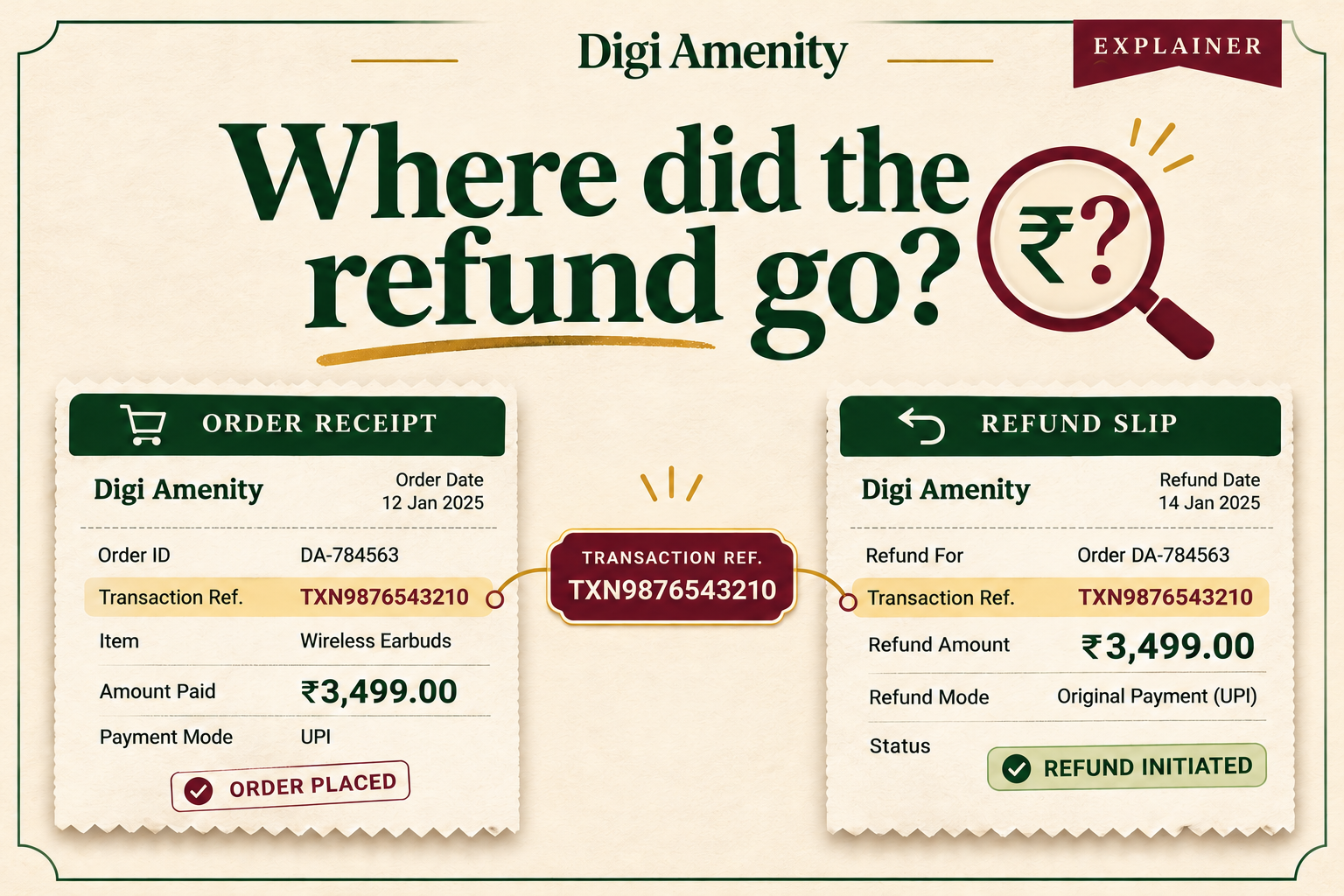
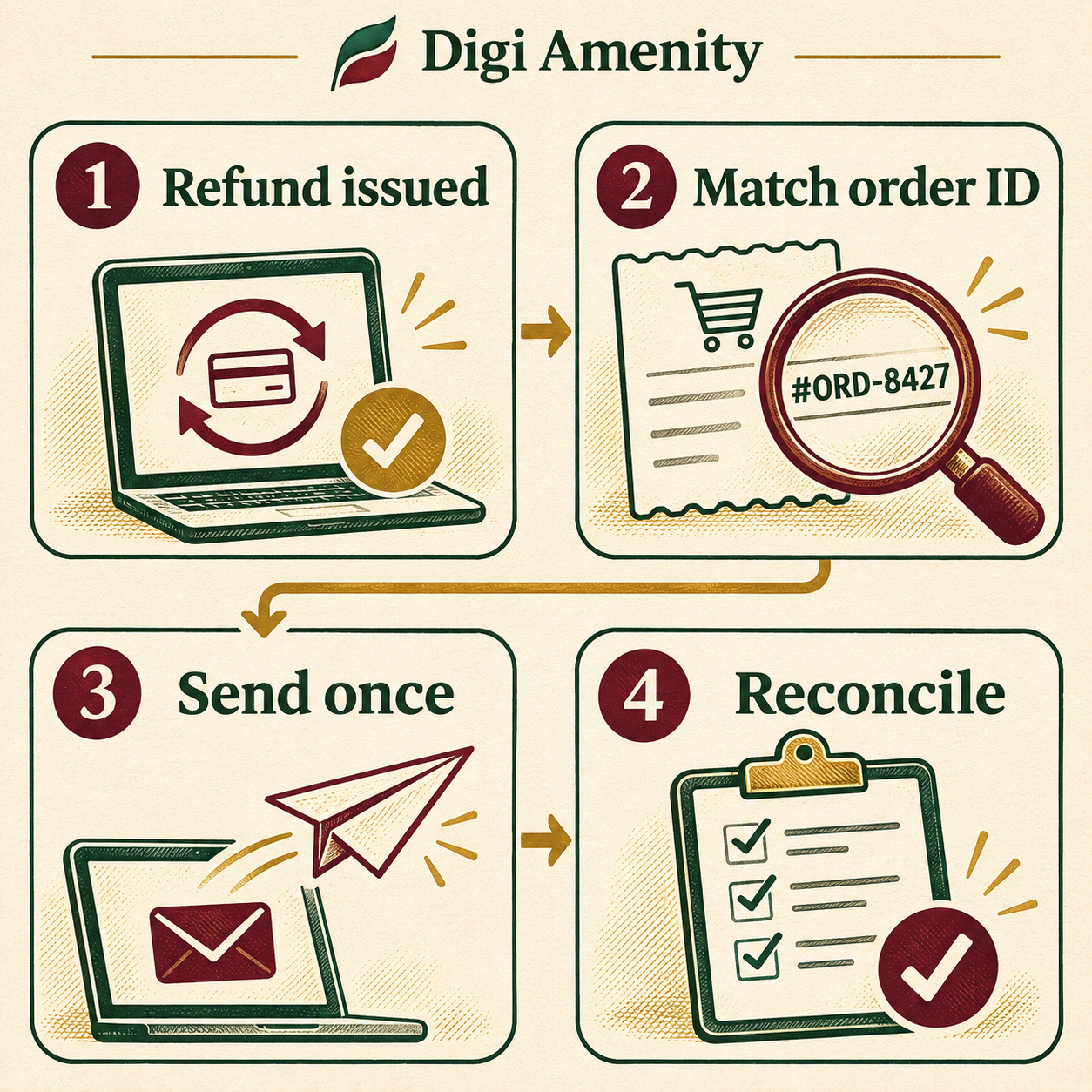
For reliable GA4 refund tracking, send a refund event when your store actually issues a refund. Use the transaction ID from the original purchase and include the items and quantities refunded. Keep the store’s refund reference separately so a retry cannot record the same refund twice. Then match a sample of events against the order ledger before using the numbers to make a budget decision.
Which event in the store should trigger a refund?
Start with the action that finance recognises as a refund. A shopper requesting a return, a courier collecting a parcel and a payment provider issuing money back can happen on three different days. If the warehouse rejects the return, the first two actions might happen without a refund at all. Ask the operations team to show you one order at each stage and write down the exact status that means money was refunded.
This matters for Indian stores taking cash on delivery. An unpaid parcel that comes back to the warehouse is a failed delivery, not money returned to a buyer. Track return-to-origin costs in operations. If your purchase measurement counted an unpaid order as revenue, investigate that purchase definition separately; a fictional refund would conceal the original problem.
What should the refund event contain?
Google’s ecommerce implementation guide shows a refund with the original transaction_id, currency, value and an items array. For each returned product, keep the item identifier consistent with the purchase and send the quantity actually refunded. Google recommends including item details for item-level refund reporting. If you send monetary value, include the currency; use INR only when the underlying transaction is in rupees.
Hypothetical example: Order DA-204 contained two shirts sold at ₹900 each and a belt sold at ₹600. The customer returns one shirt. Send DA-204, INR, merchandise value 900, the shirt SKU and quantity 1. Do not send the ₹2,400 original basket or both shirts. In this example there is no refunded shipping or tax; where those amounts apply, map them separately as shown in Google’s guide. Use the actual discounted amount, not the original shelf price.
How do you handle two refunds on the same order?
Suppose the same customer later returns the belt. The second refund should still point to DA-204. Your integration should be able to distinguish the ₹900 shirt refund from the ₹600 belt refund, while recognising a second notification about the shirt as a retry. Blocking all later messages with the same order ID loses the belt refund. Treating every notification as new counts the shirt twice.
Keep a small dispatch log with a stable internal refund reference, purchase transaction ID, amount, item quantities, dispatch state and timestamp. Have one integration own the send. If an app and a custom implementation both listen for refunds, investigate which actually emits events before enabling another. If delivery is uncertain, inspect the logs before replaying an entire batch.
How can you test the setup without distorting live reports?
- Trace one purchase. In a test property, compare the purchase transaction ID with the order identifier available to the refund integration. A storefront order number and payment reference can both look valid while pointing to different things.
- Exercise three cases. Test a full refund, a partial refund of one unit and a repeated notification. For the retry, expect one business refund in the dispatch log. For two genuine partial refunds, expect two distinct refund references tied to one purchase.
- Inspect the payload and destination. Check event name, property, currency, amount and item identifiers. Do not include customer email, address or phone in analytics identifiers. Use test data and keep private references in access-controlled operations records.
- Reconcile after processing. A send log proves an attempt. Check that the event reaches Analytics and that the processed figures match the expected merchandise refund. Investigate mismatches before expanding the rollout.
Why might finance and marketing show different totals?
First agree on dates. A shirt purchased on 30 October and refunded on 4 November belongs to October’s order cohort but November’s refund activity. A November cash-movement report and an October purchase-cohort report answer different questions. Write the date basis, timezone, currency and treatment of tax and shipping at the top of the comparison.
For a weekly check, take issued refunds from the store and add one row per refund reference. Compare expected merchandise value with the amount sent. Classify exceptions as missing purchase ID, duplicate attempt, amount mismatch, timing difference or unknown. A useful starting metric is matched refund references divided by eligible refund references in the same period. It measures coverage of the reconciliation, not customer return rate.
If a product looks profitable in an ad report but is frequently refunded, check the retained revenue for a mature order cohort before raising bids. Then look at the return reasons: sizing information, misleading photos and delivery problems need different fixes. A product page review can help when customers consistently expected something different from what arrived.
Frequently asked questions
Does sending a refund event return money to the buyer?
No. Issue the refund in your commerce or payment system. The Analytics event records that business action for measurement; reception of the event is not evidence that a bank transfer settled.
Should a partial refund use a negative purchase event?
Use the recommended refund event and a positive refunded amount, as in Google’s example. A fabricated second purchase makes order counts harder to interpret and does not describe what happened.
What if only shipping was refunded?
Do not invent a returned SKU. Separate the shipping repayment from merchandise in your source ledger, check the supported fields for your integration and validate with a shipping-only test before including it in a product-level report.
Does my store integration already send refunds?
Check the integration’s documented event coverage, then trace a test refund. Seeing purchase events or installing a tag confirms neither refund support nor correct handling of partial quantities.
Can I use GA4 as the refund ledger?
Use your order and payment records to confirm what was actually issued. Analytics helps investigate marketing and product patterns. Missing identifiers, measurement permissions or integration errors can leave transactions unmatched.
Will this automatically correct my Google Ads conversions?
Do not assume so. Check which conversion action your campaigns use and how adjustments are handled for that action. Validate Analytics and ad-platform reporting separately before changing bids.
If refund totals disagree across your store and marketing reports, Digi Amenity can trace one purchase and its repayments through your storefront integration before you commission a wider rebuild.
