

A Google Business Profile appointment link should take a customer straight to a page where they can book at the location they found on Maps. Open the link on a phone, make a test appointment, and ask reception which branch received it. If the page loads but the appointment lands in the wrong diary, the link has failed its most important test.
For a Mumbai business with two nearby branches, the distinction matters. Someone who chose your Dadar listing has already chosen a location. Asking them to select a branch again creates an opportunity to book the wrong one. Here’s how to choose the right link, add it to the profile and find out whether it produces appointments.
Should you add your own appointment link or use a booking provider?
Use your own link if you already have a working branch booking page and want to keep using the same calendar, confirmation emails and cancellation process. The destination can be on your site or a scheduling service. Pasting a scheduling service’s URL into your profile is still a custom link; doing so does not enrol your business in that service’s Google booking integration.
Consider a provider integration if your booking system offers one for your country and business type. Check that staff availability, service lengths, deposits and cancellations work for each location. Ask the provider about fees and who handles a failed booking. To explore this route, open the profile’s Bookings area and look for the provider setup option. Google’s provider guide distinguishes this setup from adding a URL. Check the options shown in your own profile before signing a contract.
What belongs on the branch booking page?
Put the branch name, address and booking action together near the top. Show which services can actually be reserved there. A shared booking platform is fine if the URL opens the correct location and keeps that choice through checkout. Test in a private browser: a branch that looks correct only because the owner’s phone remembers yesterday’s selection is a fragile setup.
Google’s business link policies require a dedicated destination where the customer can complete the intended action. For a business with several locations, the page must be specific to the location. Avoid link shorteners, social profiles and messaging links in the appointment field. A homepage with a phone number is also a poor substitute for a booking page. If your website currently routes everyone to a single generic form, start with the branch landing page guide.
How do you add a Google Business Profile appointment link?
- Sign in with the account that manages the verified profile. In Search or Maps, check the displayed address before editing anything. In a multi-location business, similar names make the wrong profile easy to edit.
- In Google Search, open the booking action for the profile. On Maps, use Edit profile and look for the relevant transaction type. Available controls can differ. If booking is absent, check the profile and available options before changing any business details.
- Add the full location-specific booking URL and save. If several options are displayed, you can mark your preferred link where the control is available. That choice does not remove other providers.
- Open the public listing as a customer. Follow the displayed option from both Search and Maps. Record the final destination after redirects and the branch shown at the final step.
See Google’s local business link instructions for the current controls and how to deal with a provider link you don’t manage.
How can reception test the full journey?
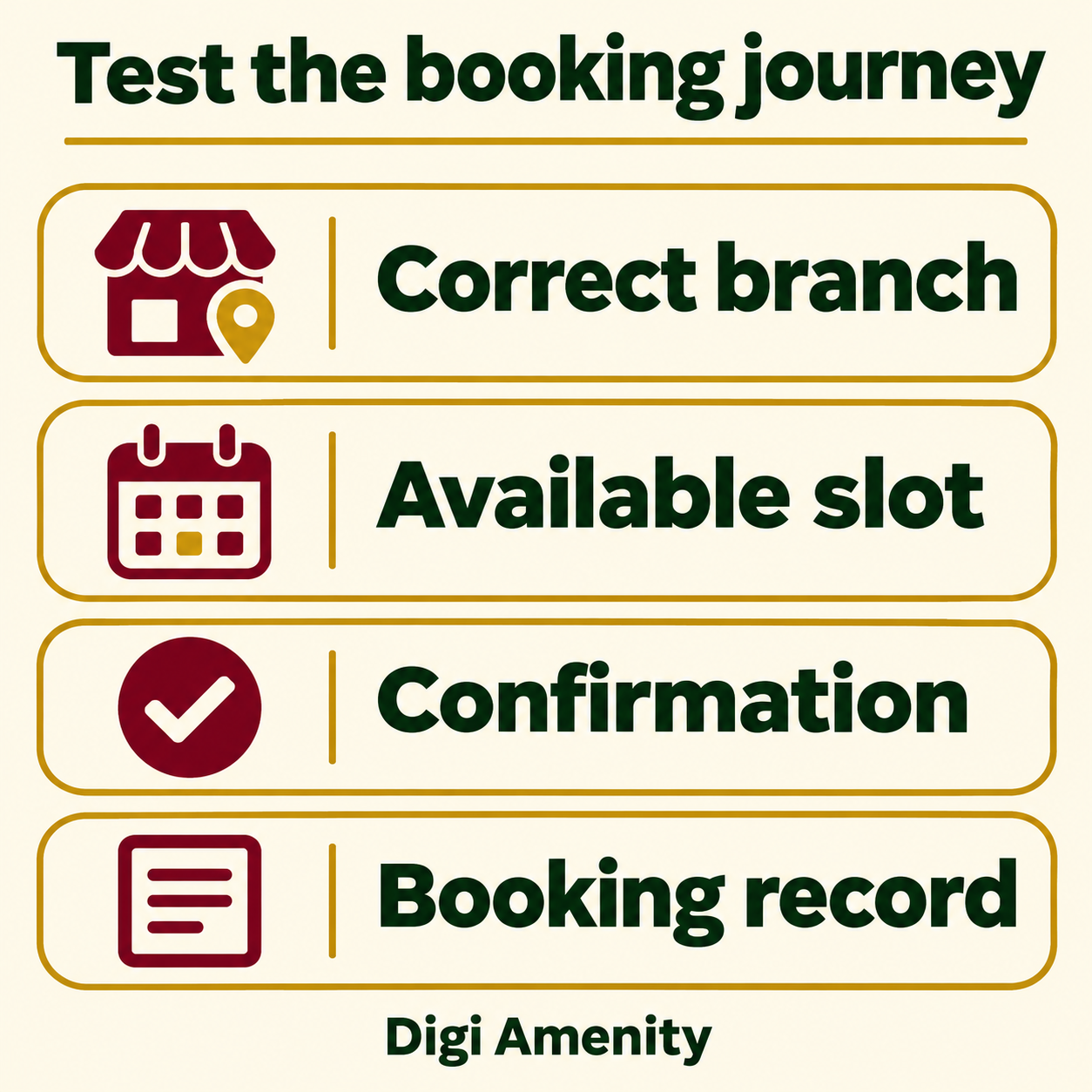
Hypothetical example: A salon has Dadar and Bandra locations. The Dadar profile opens a branded booking page headed “Dadar,” but selecting a stylist resets the calendar to Bandra. A manager testing only the first screen would approve the link. The decisive check is the address on the final confirmation and the diary entry visible to the receiving team.
Use a staff-approved test slot and fictitious details your system permits. Cancel the test afterwards so a real customer can use the time. Keep a simple acceptance sheet:
- Destination: Record the profile address, final URL and branch displayed in a fresh browser. Fail if a redirect or remembered preference changes the location.
- Availability: Pick a service and compare the duration and available time with the branch diary. If no slots exist, check whether staff are actually available before blaming the link.
- Promise: Read the final message aloud. “We’ll call to confirm” means the customer has sent a request. Only call it confirmed if a slot has been allocated.
- Receipt: Ask reception to locate the matching record by reference, check the branch and time, and verify that cancellation releases the slot. Record pass or fail, owner and retest date.
How many bookings actually came from the profile?
Keep three counts: unique requests received, appointments confirmed, and appointments attended. For a custom link, use a branch-specific source label if your scheduler supports it. Check that the label survives any move from your website to a provider domain and reaches the appointment record. Otherwise mark the source unknown. Do not infer it from a customer’s postcode.
Google says its profile Bookings metric needs a booking provider; it does not report booking performance for custom links. Its Website clicks metric counts clicks on the website link. Neither an ordinary website click nor a tap on a calendar button proves that an appointment was made. See Google’s performance metric definitions.
Hypothetical calculation: Take 20 unique profile-sourced requests received in one week. After allowing time for follow-up, reception confirms 12. The request-to-confirmation rate for that cohort is 12 ÷ 20 = 60%. If nine of those 12 attend after all appointment dates have passed, attendance among confirmed appointments is 9 ÷ 12 = 75%. Count a reschedule once and exclude staff tests. If no source label reached reception, you can still calculate an overall rate, but cannot attribute it to Maps.
What should you fix first if bookings are low?
If customers reach the correct branch but cannot choose a slot, check diary capacity and the mobile calendar before spending more on reach. If the form produces requests but few become confirmed appointments, inspect callback ownership, opening hours and the wording after submission. If confirmations are healthy but attendance is weak, review the address, reminders and cancellation instructions. These are different failures and need different owners.
If customers consistently reach the wrong booking desk from Search or Maps, Digi Amenity can review the profile, branch pages and booking handoff together as part of its Mumbai SEO services.
Frequently asked questions
Can two branches use the same booking system?
Yes, provided each profile links to a destination specific to that location. Ask the vendor for permanent branch URLs and test each in a fresh session through to the final appointment record.
Can I use a WhatsApp chat link for appointments?
Google excludes messaging links from these business action links. If a customer must talk to staff before reserving, explain the process accurately on your site. A conversation alone should not be reported as a booking.
Why is an old booking provider still visible?
A provider-managed link can come from the provider’s relationship with Google. Choosing another link as preferred is different from removing it. Use the removal route in Google’s local links guide and retain the provider’s acknowledgement so you can follow up.
What if Google rejects a page that opens on my phone?
Inspect the final URL without signing in. Check that the correct branch appears, the action works, and the page is accessible to Google’s verification crawler. A security challenge, location redirect or sign-in wall can produce a different experience from the one on your regular phone.
Does a missing Bookings metric mean nobody booked?
No. With a custom link, use scheduling records and a tested source label. If the source was never captured, mark it unknown rather than reporting zero appointments from the profile.
When should staff repeat the test?
Repeat it when you change the scheduler, branch URL, service list, staff calendars or booking provider. Also retest when reception first hears that a customer has a confirmation the branch cannot find. Save the failing step so the right person can reproduce it.