
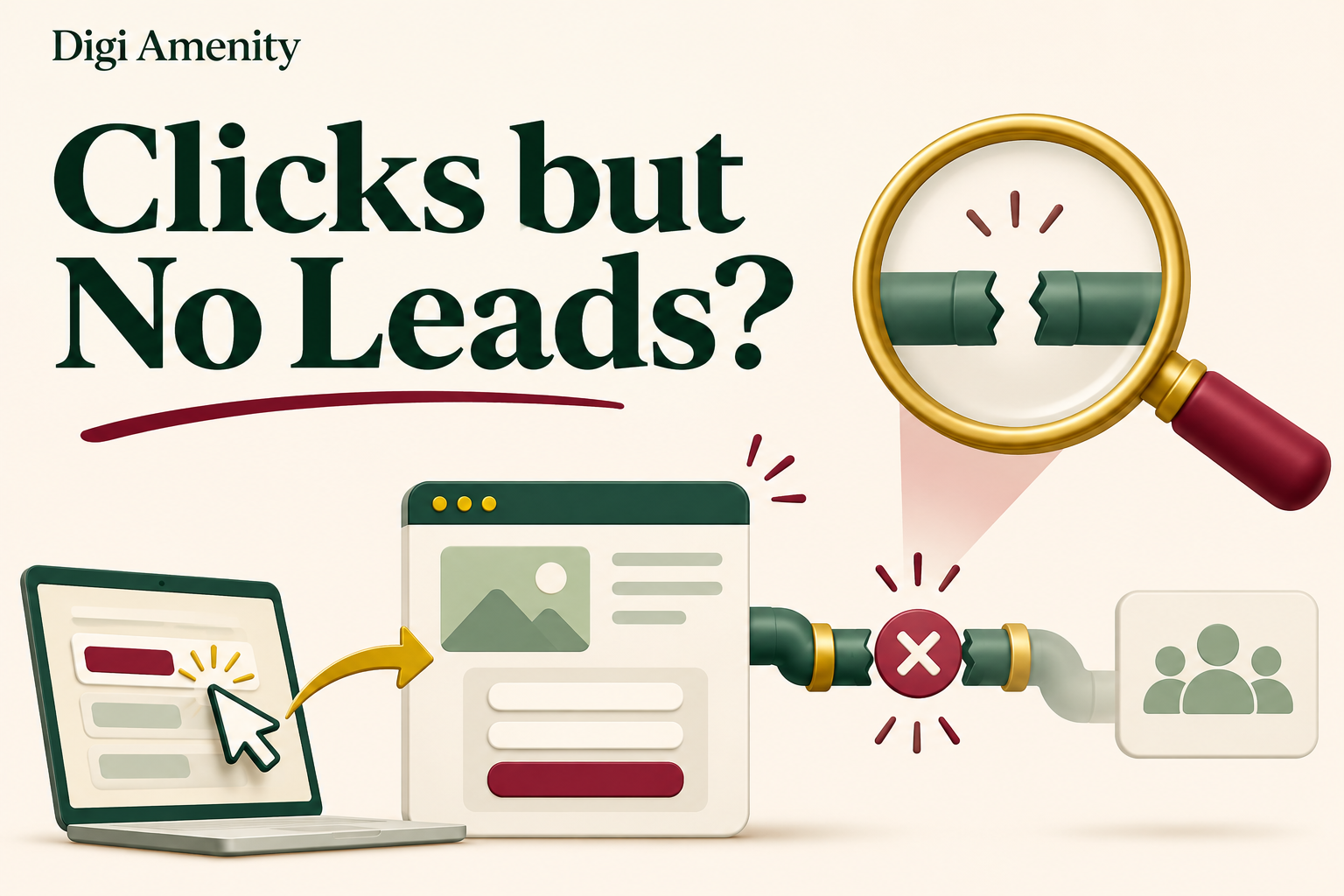
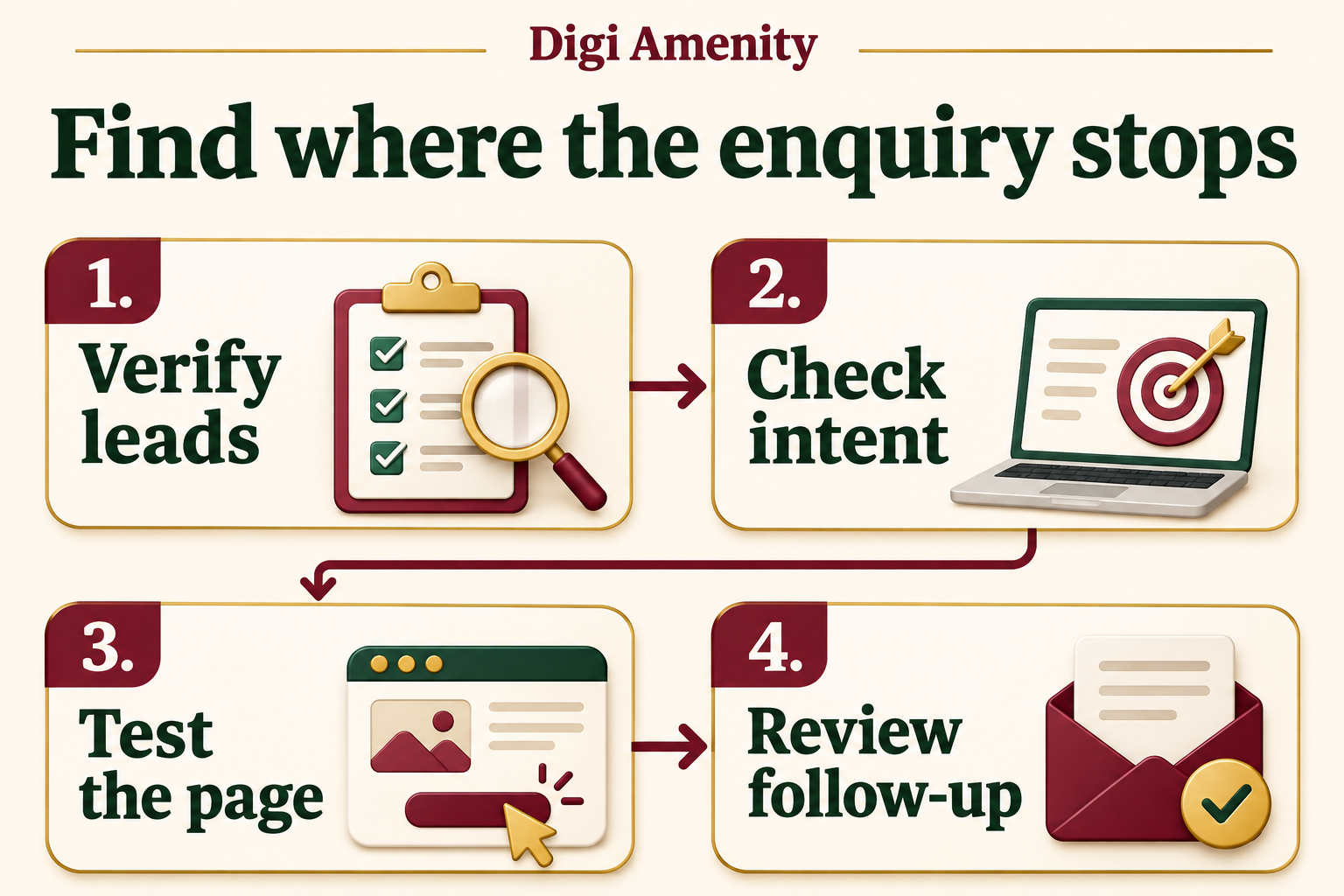
If Google Ads gets clicks but no leads, first establish whether enquiries are genuinely absent or simply missing from your reports. Reconcile forms, calls and messages with the campaign’s conversion actions. Then inspect search intent, destinations, mobile contact paths and sales handling. Change bidding or increase budget only after identifying the likely constraint.
The practical objective is to find evidence of where the journey breaks. A high click-through rate does not prove that visitors are suitable buyers, and a conversion tag firing does not prove that a real enquiry reached your team.
Which lead-generation problem do you have?
Separate no enquiries, unrecorded enquiries and unsuitable enquiries. They require different fixes. Ask the person answering calls and messages, inspect form entries and review the CRM before interpreting a zero in Google Ads.
On a phone, swipe the table horizontally to view all columns.
| Observed situation | What it suggests | First evidence to collect |
|---|---|---|
| Real enquiries exist; Google Ads reports zero | Measurement or attribution gap | Lead timestamps, sources, conversion settings and test results |
| No genuine enquiries anywhere | Traffic, offer or contact-path problem | Actual queries and a complete mobile journey test |
| Forms arrive but most are irrelevant | Qualification or targeting problem | Reason codes and qualified-lead rate |
| Qualified enquiries arrive but no sales | Sales process, price, fit or longer decision cycle | Contact attempts, quotations and mature sales outcomes |
Write the problem as a measurable statement: “No genuine enquiries received from the reviewed campaign cohort after allowing for the normal response delay.” That is more useful than “Google Ads is not working.” If source attribution is missing, record it as unknown rather than assigning every enquiry to paid search.
How do you verify tracking without creating misleading leads?
Test the same destination and form that a visitor uses. Open the landing URL directly or use an appropriate preview; you do not need to repeatedly click your own paid ads. Use clearly labelled test details and tell the team how those records will be excluded from reporting.
- Complete a valid form on mobile and confirm the success state.
- Confirm that the submission reaches the intended inbox or CRM, not just the browser.
- Check that the correct event fires after a successful submission, not when the button is merely tapped.
- Test an invalid submission and a repeat confirmation-page visit to identify false or duplicate events.
- Verify the conversion action, campaign goal and reporting date range.
- Check consent-dependent behaviour and attribution limitations; do not bypass the user’s consent choices to make a test pass.
A phone-button tap does not prove that a call connected. A WhatsApp click does not prove that a message was sent. Keep such interactions labelled as contact clicks unless you can verify a stronger outcome. Use actual conversations, qualified calls or CRM stages where your implementation supports them.
Google’s conversion-goal guidance distinguishes primary actions used for bidding from secondary observation actions. There is an important exception: a secondary action included in a campaign’s custom goal can be used for bidding. Review the campaign’s actual goals instead of assuming a “secondary” label always prevents optimisation toward that event.
For implementation checks, use the detailed Google Ads conversion-tracking troubleshooting guide. Avoid changing the measurement setup and then comparing old and new conversion totals as if their definitions were identical.
Are the actual searches relevant to your offer?
Export the search terms available for the period you are diagnosing. Sort by spend and classify them by intent: suitable buyer, early research, job seeker, unrelated service, wrong geography or uncertain. Reporting may not expose every query, so do not claim the visible rows represent all searches.
A hypothetical commercial pest-control provider might welcome “warehouse pest control quote” but not “pest control technician jobs.” The distinction comes from the business offer, not from whether a keyword is short or long. A comparison search may still be commercially useful.
Add negatives for clearly incompatible intent and check their match behaviour before applying them widely. Do not automatically exclude words such as “free” if the business legitimately offers a free inspection. Google recommends using conversion tracking, relevant keywords, negative keywords and search-term analysis in its conversion-rate improvement guide.
Inspect networks, devices, locations and schedules as diagnostic segments. A weak segment is a lead to investigate, not proof that an entire network is fraudulent. Match-type changes also need evidence: phrase and exact match are not guarantees of qualified intent, while broad matching is not automatically wrong for every account.
Does the landing page fulfil the ad’s promise?
Read the ad and the first screen of its actual landing page together. If the ad offers a specific installation service but the page opens with unrelated products, the visitor has to reconstruct the connection. If the ad advertises a consultation, explain what that consultation includes and how to request it.
Check the final destination, including redirects and any campaign features that can select or expand landing URLs. Do not assume the page in the original brief is where every visitor lands. Compare the offer, service area, price expectations and next action across the ad and destination.
A useful page answers four buyer questions: Is this the service I need? Can this business serve me? What information or commitment is required next? Why should I trust the information? Use genuine proof and concrete process details rather than unsupported awards, guarantees or invented client results.
Can a mobile visitor actually contact you?
Test on a narrow screen and an ordinary connection. Check whether the main action remains visible, text is readable, the keyboard does not obscure required fields, and error messages explain how to proceed. A form can look correct on desktop while failing on a phone.
- Use persistent field labels, not placeholder text alone.
- Make required fields clear and request only information needed at that stage.
- Check that phone and email fields accept realistic customer input.
- Confirm that sticky banners and chat widgets do not cover the submit button.
- Test successful submission and the business notification.
- Check tap-to-call and WhatsApp destinations without sending unintended messages.
A shorter form is not always better. Removing every qualification question may increase submissions while reducing suitability. For an expensive service, one well-chosen requirement question can help both the visitor and sales team. Measure genuine and qualified enquiries together.
The landing-page audit checklist can help document these checks. Record the device, browser, page URL and observed failure so the developer can reproduce it.
What happens after someone enquires?
Follow the record into the business. Check who receives it, whether ownership is assigned, what happens outside staffed hours and how missed calls are handled. A successful form with no notification is an operational failure even when analytics reports a conversion.
Use simple reason codes: valid and contactable, duplicate, spam, outside service area, unsuitable requirement, quotation sent, won or lost. Do not classify a person as a bad lead merely because the team has not contacted them yet. Record response attempts and the time allowed for the normal sales cycle.
Where supported, feed meaningful offline outcomes back to the advertising system through an appropriately configured integration. The immediate priority is trustworthy definitions and records. Adding another integration to inconsistent CRM stages can automate the inconsistency.
How many clicks are enough to diagnose a problem?
There is no universal threshold. It depends on the conversion probability, traffic mix, delay and the cost of waiting. As a mathematical illustration, if each independent click had a constant 5% chance of producing a lead, the probability of zero leads after 20 clicks would be 0.9520, about 36%. After 100 clicks it would be about 0.6%.
This is a hypothetical probability model, not an expected Google Ads conversion rate. Real clicks are not necessarily independent or equally likely to convert, and the true rate may be much lower. The calculation explains why “no leads after 20 clicks” and “no leads after a large relevant cohort” should not trigger identical conclusions.
Use an affordable spending ceiling and investigate obvious faults immediately. Do not wait for statistical certainty while a form is broken. Conversely, do not call a campaign a failure simply because a short observation window has not yet produced a sale.
Which change should you make first?
Prioritise confirmed failures over speculative optimisation. Restore a broken contact path, remove demonstrably irrelevant traffic or correct a wrong conversion goal before testing a new headline. Keep a dated change log and avoid changing targeting, offer, page and bidding simultaneously unless an urgent issue requires it.
Hypothetical diagnosis: a Mumbai maintenance company sees 300 clicks and zero reported leads. Its inbox contains six genuine enquiries, but the conversion event fires on an old confirmation URL. The first task is measurement repair and source reconciliation. Increasing budget or rewriting every ad would not solve the observed reporting failure.
A second hypothetical company has no enquiries and many searches for technician vacancies. Its immediate issue is intent. A third receives qualified requests but takes several days to respond. Its constraint extends beyond the ad account. These examples show why one generic “fix” cannot serve every case.
Use this diagnosis log
On a phone, swipe the table horizontally to view all columns.
| Check | Evidence to save | Decision |
|---|---|---|
| Lead reconciliation | Campaign cohort, genuine enquiries and unknown sources | Measurement issue or real absence? |
| Contact-path test | Device, timestamp, success and receipt | Repair before further spend? |
| Intent review | Available queries grouped by suitability and cost | Exclude, retain or investigate? |
| Offer and page | Ad promise, destination and specific friction | One measurable improvement? |
| Sales handling | Ownership, contact attempts and outcome stage | Process fix or targeting fix? |
| Remeasurement | Change date, stable definitions and mature comparison period | Keep, revise or inconclusive? |
For campaigns producing enquiries that do not become suitable opportunities, continue with the lead-quality review. If the problem spans traffic, tracking and the website, Digi Amenity’s Google Ads team can review that complete journey before you increase the budget.
Frequently asked questions
Should I pause a campaign that has no leads?
Pause or limit affected traffic when a confirmed fault is wasting spend, such as a broken form or wrong destination. Otherwise use the agreed test ceiling, conversion delay and evidence to decide. Neither “always pause” nor “always keep spending” is a reliable rule.
Does a high CTR mean my ads are working?
It means a share of people who saw the ad clicked it. It does not prove buyer suitability, a functioning landing page or profitable acquisition. Review genuine enquiries and qualified outcomes alongside CTR.
Why do analytics and Google Ads show different numbers?
Definitions, attribution, reporting time, consent and implementation can differ. Reconcile a common event and date basis before expecting equality. A discrepancy deserves investigation, but does not automatically mean either platform is broken.
Should WhatsApp clicks count as leads?
Label them as clicks unless you can confirm a conversation or meaningful enquiry. The click can be a useful diagnostic event, but optimising and reporting it as a completed lead can overstate results.
Will a larger budget fix the problem?
Only if insufficient opportunity is the actual constraint and the acquisition economics support more spend. More budget amplifies a broken journey as readily as a working one. Verify intent, measurement and the contact path first.
Are the clicks fake?
Do not assume that from low conversion volume alone. Investigate unusual patterns, available invalid-activity information, placements and actual lead records. Irrelevant intent, tracking failures and weak offers can produce the same symptom without fraud.
Should I switch campaign type immediately?
First identify the cause. A different campaign type will not repair a failed form or unclear offer. If a controlled test of another type is justified, define comparable goals, cost limits and lead-quality measures before launching it.
