

To fix a Google Merchant Center shipping cost mismatch, take one affected item from the warning and price its delivery twice: once using the shipping information submitted to Google and once at your store’s checkout. Use the same variant, quantity, delivery address and standard service. When the two amounts differ, trace each one back to the rule that produced it before changing a rate.
A Mumbai retailer might advertise free delivery on a desk lamp and still charge ₹90 when a shopper enters a Pune pincode. Changing every listing to ₹90 could fix that lamp while overstating delivery on hundreds of other items. The useful question is narrower: which products and addresses actually qualify for the free rate?
Which number is Google questioning?
Read the issue text and save the example item ID, target country and date. An inaccurate shipping cost warning concerns a submitted delivery charge that is inconsistent with checkout. A missing shipping cost issue calls for checking whether the product and destination have an applicable rate at all. A product price discrepancy is a third problem. Record the item subtotal and delivery line separately so a discount on the item cannot disguise a higher delivery fee. Google’s inaccurate shipping guidance and missing shipping guidance.
How do you reproduce the checkout that matters?
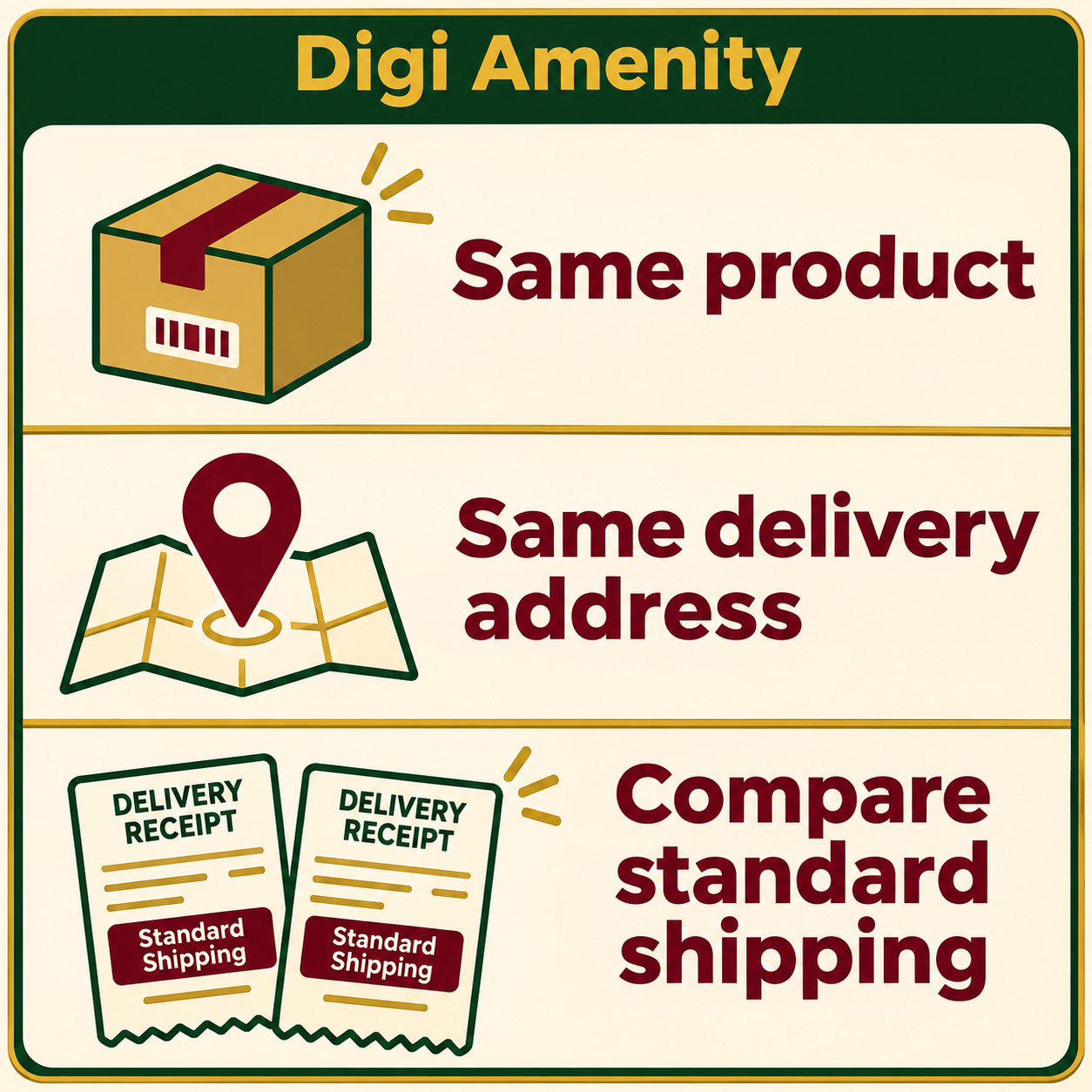
- Start with a clean basket. Open the submitted product URL as a guest. Select the advertised variant and add one unit. Remove saved coupons and other products. A heavier size or a second item can move the order into a different delivery band.
- Enter a serviceable test pincode. Record the standard home-delivery option a customer can actually choose. Separate optional express delivery and store pickup. Stop before payment. Repeat with a second serviceable pincode if the store uses different delivery zones.
- Find the submitted rate for that offer. Check the account shipping policy and the product’s shipping attribute. Google documents that a submitted item-level shipping rate overrides the applicable account-level rate. An old zero in a feed can therefore survive a perfectly sensible account-level change. Google’s shipping attribute specification.
- Save a comparison someone else can repeat. Record item ID, variant, cart subtotal, pincode, service, Merchant Center rate, checkout rate, rule source and time. Keep evidence of the two prices without saving customer names or full addresses.
What does a mismatch look like around a free-delivery threshold?
Hypothetical example. A homewares shop offers standard delivery for ₹90 below ₹999 and free delivery from ₹999 within one zone. Its account shipping policy reflects that promise. A feed export also sends a ₹0 item-level shipping rate for one ₹899 lamp. A guest buying the lamp alone sees ₹90 at checkout while the submitted item rate is ₹0. The gap is ₹90.
A test with two lamps would miss the error: the ₹1,798 basket legitimately qualifies for free delivery. A useful control is another ₹899 item in the same zone and shipping class. If its rate matches, inspect the lamp’s exported row first. If both items fail, inspect the shared policy and checkout rule. Run a second pair of baskets immediately below and at the threshold to establish whether “from ₹999” is implemented consistently.
Here the store intends to charge ₹90. Correct the stale override at its source, refresh the product data and check the processed item again. If free shipping on that lamp was the intended offer, the owner should instead review the checkout rule and delivery margin before honouring it across the service area.
Where should you make the correction?
- Only one variant fails. Compare its ID, weight, shipping class and any item-level rate with a sibling variant that passes. Check whether a feed app writes that value every night. A manual edit may look successful until the next sync.
- One destination fails across many products. Ask fulfilment which service and rate apply there. Compare those terms with the checkout zone and the delivery policy represented in Merchant Center. An unserviceable address is a coverage problem: quoting ₹0 to that address would promise delivery your shop cannot fulfil.
- The product page promises free delivery but checkout adds handling. Verify which charges are compulsory and which are optional. Google’s shipping specification identifies relevant delivery and handling charges to include. Make the terms visible before the shopper enters payment details. For the customer-facing page, see the Shopify product page guide.
- A carrier calculates the price dynamically. Test realistic parcels and destinations. Google permits a slight overestimate when an exact quote is unavailable. A large blanket cushion can make a competitive delivery offer look expensive. Keep the sample quotes and revisit them when carrier tariffs change.
When is it time to request a review?
Repeat the failing basket and one unaffected control after the corrected rate has reached checkout and the processed product data. Resubmit through your normal data source where needed. For a disapproval, use the review option available for the issue once the correction is live. Record the request and its outcome separately. A submitted request alone does not establish reinstatement. Google’s correction and review steps.
After the next scheduled feed refresh, rerun the same two baskets. Track affected item count alongside the number of offers checked, and annotate stock changes or removed products. A falling warning count after deleting half the catalogue would tell a very different story from formerly affected items becoming eligible again.
If the feed, product page and checkout show three different delivery promises, Digi Amenity can trace one affected SKU through the catalogue export and store checkout to identify which system needs the correction.
Frequently asked questions
Should I set shipping to free in Merchant Center?
Use a zero rate when the customer can receive that offer with free delivery under the applicable conditions. Check the single-item basket, address and eligibility. A free rate reserved for larger baskets or a membership needs its own conditions.
Why does the issue come back after I edit a product?
Check the timestamp of the next feed refresh. If the same value returns immediately afterwards, inspect the export, integration or source file that populated the item. Retest after one complete refresh cycle to verify that the fix persists.
Does a higher express charge prove the standard rate is wrong?
Compare equivalent services. If a customer can choose standard delivery at the advertised amount, an optional faster service may legitimately cost more. If standard delivery disappears for that item or address, record which options remain.
Can one matching pincode clear the whole catalogue?
One match verifies that particular basket. Sample the boundaries of your actual rules: standard and bulky items, two relevant zones, and baskets either side of a threshold. Keep one unchanged product as a control.
What if checkout changes the item price as well?
Open separate checks for the item amount and the delivery amount. Compare the selected variant, currency and discount first, then reconcile the delivery line. Fixing the shipping rule alone cannot resolve an incorrect base price. Google’s inaccurate price guidance.
